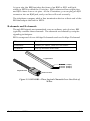
1
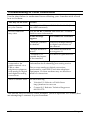
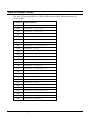
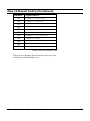
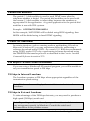
Step Three: Inserting the Modem
Note: The illustrations in this section may not match the appearance of
your computer. For more detail, refer to your computer’s user’s manual.
4-8
1
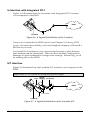
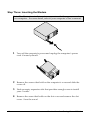
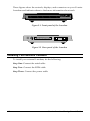
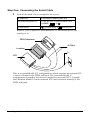
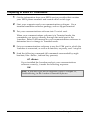
Turn off the computer’s power and unplug the computer’s power
cord. Ground yourself.
2
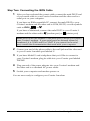
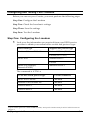
Remove the screws that hold on the computer’s cover and slide the
cover off.
3
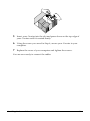
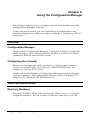
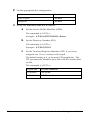
Find an empty expansion slot that provides enough room to install
your Courier.
4
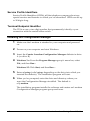
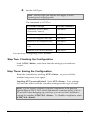
Remove the screw that holds on the slot cover and remove the slot
cover. Save the screw!
Courier I-modem Getting Started Guide