1
4.3 Assigning Program Catagories
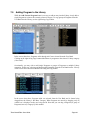
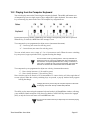
There are several ways to assign a category to a Program. This can be done from the Program
Name Display, from the Program Naming window, or by right-clicking in the ‘Category’ column of
the User Bank (part of the Bank Manager/Librarian).
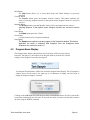
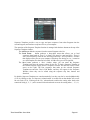
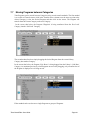
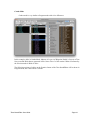
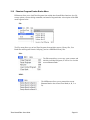
To assign a category from the Program Name Display, click in the Category section of the display
(the upper right part of the Name Display window). This will produce a contextual menu of
categories to select from:
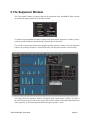
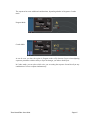
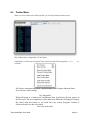
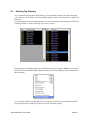
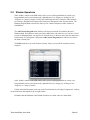
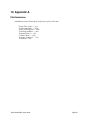
You can also select a category from the Program Naming window by clicking on the blue text in
Program Category field. This will produce the same contextual menu as shown above:
Tetra SoundEditor User Guide
Page 21