1
3
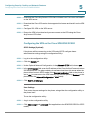
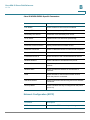
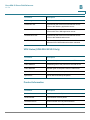
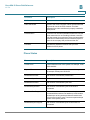
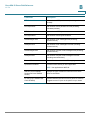
Customizing Cisco SPA and Wireless IP Phones
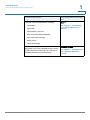
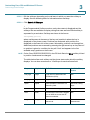
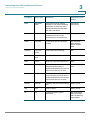
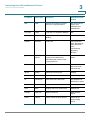
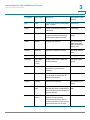
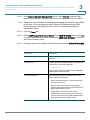
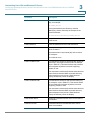
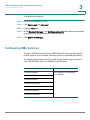
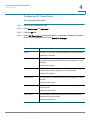
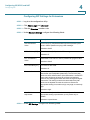
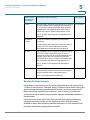
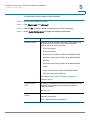
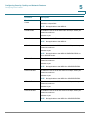
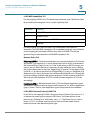
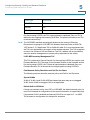
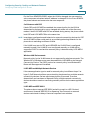
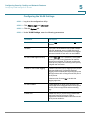
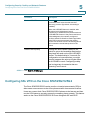
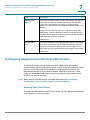
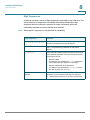
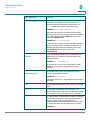
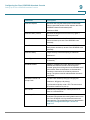
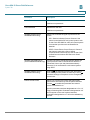
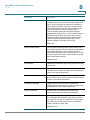
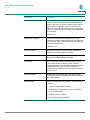
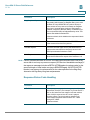
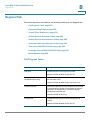
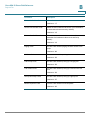
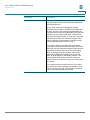
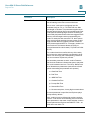
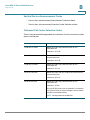
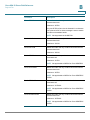
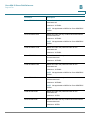
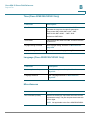
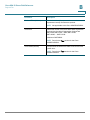
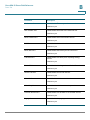
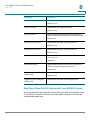
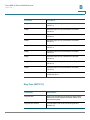
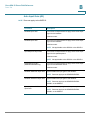
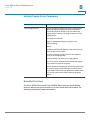
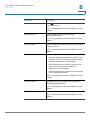
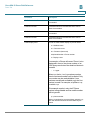
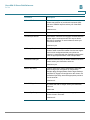
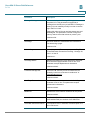
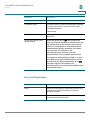
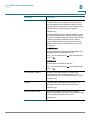
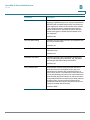
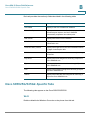
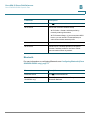
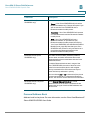
Configuring XML Services
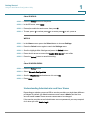
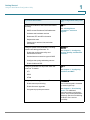
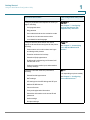
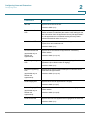
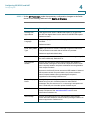
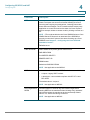
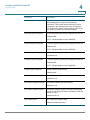
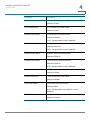
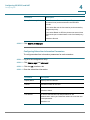
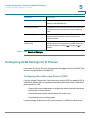
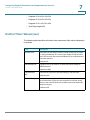
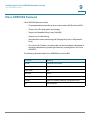
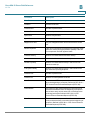
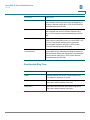
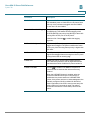
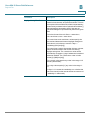
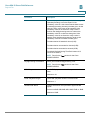
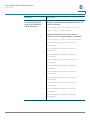
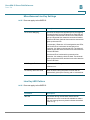
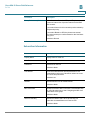
Cisco XML Object
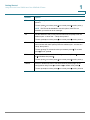
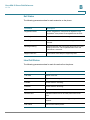
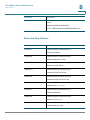
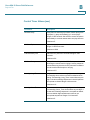
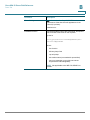
Supported Phone
CiscoIPPhoneImage
Cisco SPA525G
CiscoIPPhoneImageFile
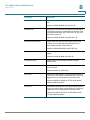
CiscoIPPhoneGraphicMenu
CiscoIPPhoneFileMenu
CiscoIPPhoneStatusFile
CiscoIPPhoneResponse
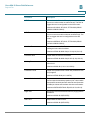
CiscoIPPhoneErrror
CiscoIPPhoneGraphicFileMenu
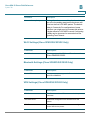
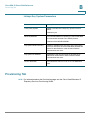
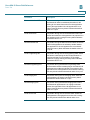
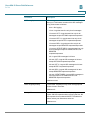
Init:CallHistory
Cisco SPA50X
Key:Headset
EditDial:n
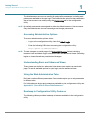
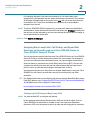
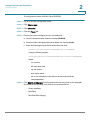
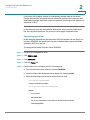
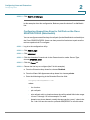
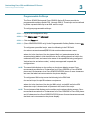
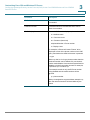
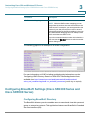
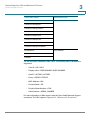
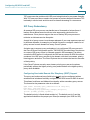
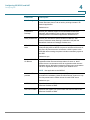
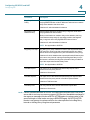
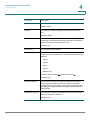
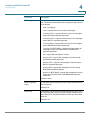
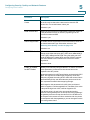
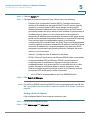
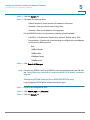
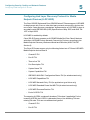
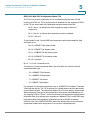
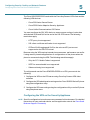
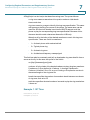
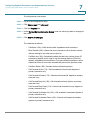
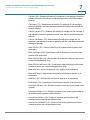
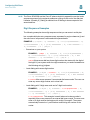
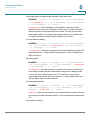
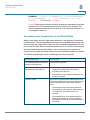
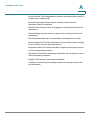
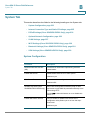
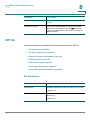
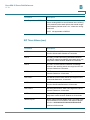
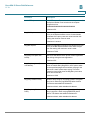
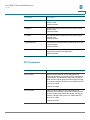
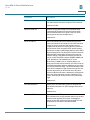
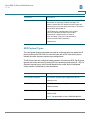
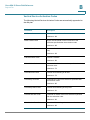
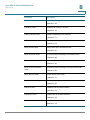
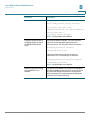
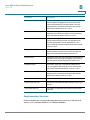
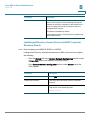
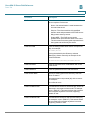
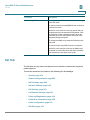
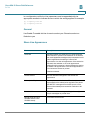
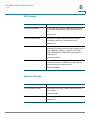
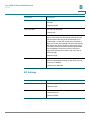
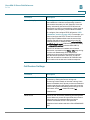
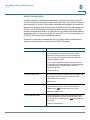
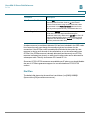
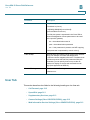
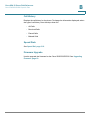
You can use macro variables in XML URLs. The following macro variables are
supported:
•
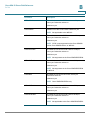
User ID—UID1, UID2
•
Display name—DISPLAYNAME1, DISPLAYNAME2
•
Auth ID—AUTHID1, AUTHID2
•
Proxy—PROXY1, PROXY2
•
MAC Address—MA
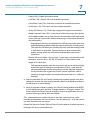
•
Product Name—PN
•
Product Series Number—PSN
•
Serial Number—SERIAL_NUMBER
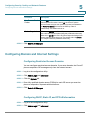
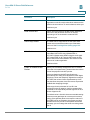
For more information on XML support, see the Cisco Small Business Support
community. The URL is given in Appendix C, “Where to Go From Here.”
Cisco Small Business SPA300 Series, SPA500 Series, and WIP310 IP Phone Administration Guide
92