1
DINR gives you a considerable amount of control over the above three parameters and allows
you to maximize noise reduction while minimizing signal loss and artifact generation. However, as powerful as it is, DINR does have limitations. In particular, there are two instances in
which DINR may not yield significant results:
Cases in which the noise components of the
audio are so prominent that they obscure the actual signal components of the audio.
◆
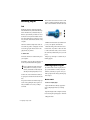
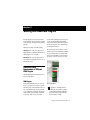
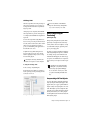
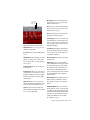
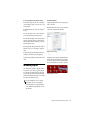
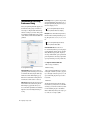
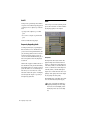
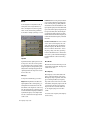
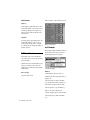
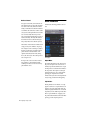
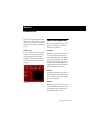
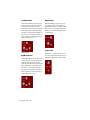
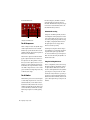
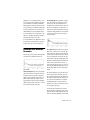
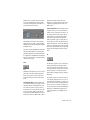
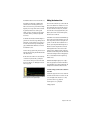
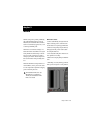
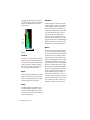
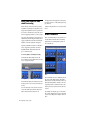
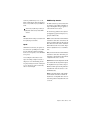
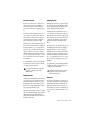
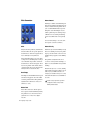
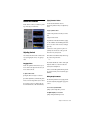
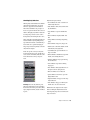
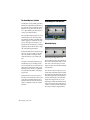
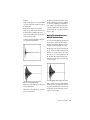
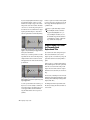
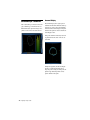
The Noise Signature The jagged line is a graph of
noise. This is called a noise signature. It is created when you use the Learn button in the
Broadband Noise Reduction window. Once you
have the noise signature of an audio file, you
will be able to begin removing the noise by generating and editing a threshold or Contour Line
(covered next) between the noise and the desired audio signal.
Cases in which the noise amplitude of a 24-bit
file is less than –96 dB. DINR is not designed to
recognize noise that is lower than this level.
◆
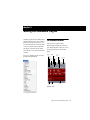
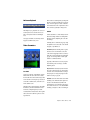
Contour Line
Broadband Noise Reduction
Parameters
The following section describes the Broadband
Noise Reduction parameters and their use.
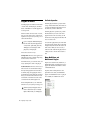
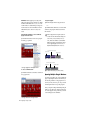
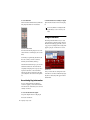
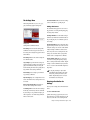
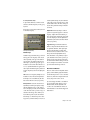
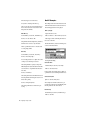
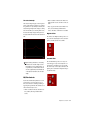
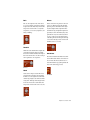
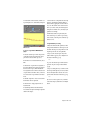
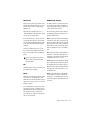
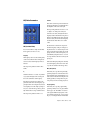
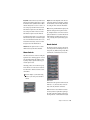
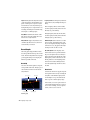
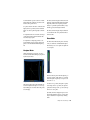
Spectral Graph
The Spectral Graph Displays the noise signature
and the editable noise Contour Line. The Spectral Graph’s horizontal axis shows frequency,
which is displayed in Hertz, from 0 Hz to onehalf the current audio file’s sample rate. The
Spectral Graph’s vertical axis shows amplitude,
which is displayed in dB, from 0 dB to –144 dB
(below full-scale output of the audio).
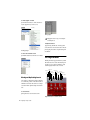
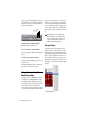
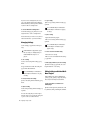
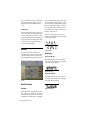
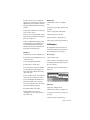
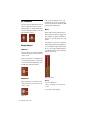
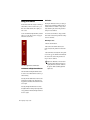
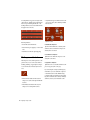
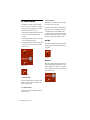
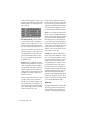
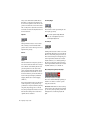
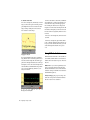
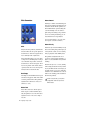
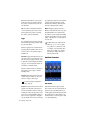
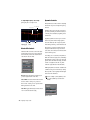
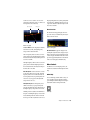
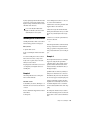
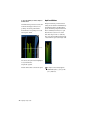
The Contour Line The line with a series of square
breakpoints is called the noise contour line. The
Contour Line is an editable envelope which represents the division between the noise and the
non-noise signal in the current audio file. The
Contour Line is created by clicking the Fit or AutoFit button in the Broadband Noise Reduction
window after you have learned a section of
noise. By moving this envelope up or down, or
by moving the individual breakpoints, you can
modify which signals are removed and which
remain.
The noise modeling process treats audio below
the line as mostly noise, and audio above the
line as mostly signal. Therefore, the higher your
move the Contour Line upwards, the more audio is removed. To maximize noise reduction
and minimize signal loss, the Contour Line
should be above any noise components, but below any signal components.
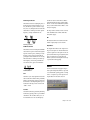
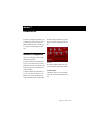
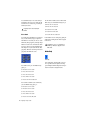
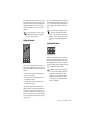
To fine-tune the broadband noise reduction,
move breakpoints at different locations along
this line to find out which segments remove the
noise most efficiently. Editing the Contour Line
Chapter 8: DINR
63