1
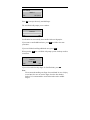
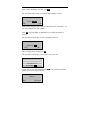
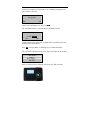
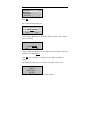
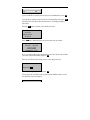
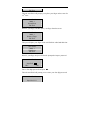
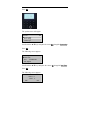
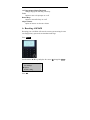
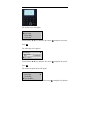
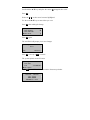
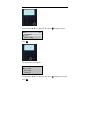
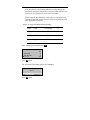
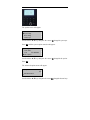
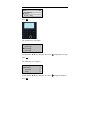
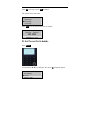
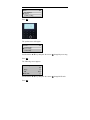
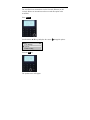
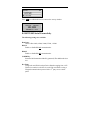
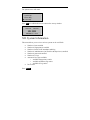
New Enroll
00001-0
ESC
OK (Save)
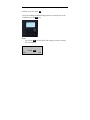
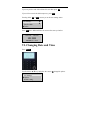
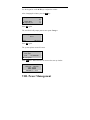
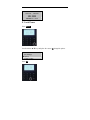
Press OK to accept the newly enrolled finger.
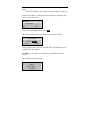
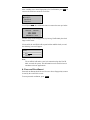
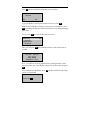
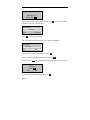
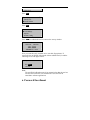
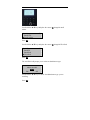
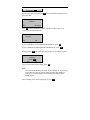
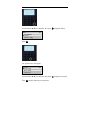
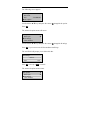
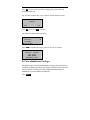
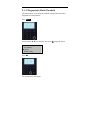
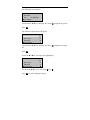
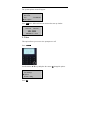
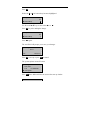
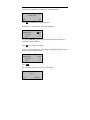
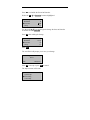
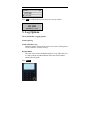
The A10/X628 will prompt you to continue.
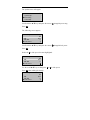
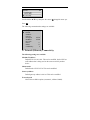
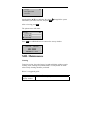
New Enroll
Continue?
ESC
OK
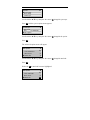
UserID 0001 has successfully been enrolled with one fingerprint.
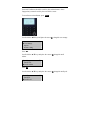
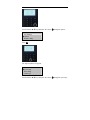
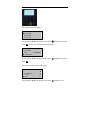
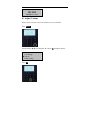
If you want to enroll additional users, press OK and follow the same
procedures.
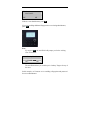
If you are finished enrolling additional users, press ESC.
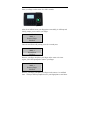
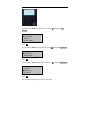
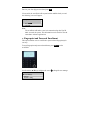
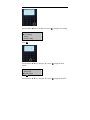
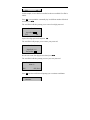
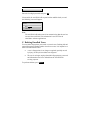
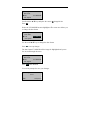
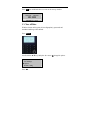
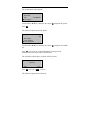
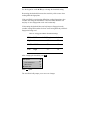
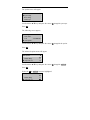
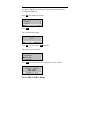
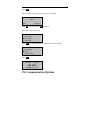
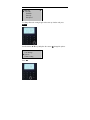
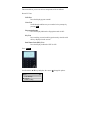
When pressing ESC, the A10/X628 will prompt you for a backup enroll as
seen below.
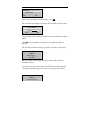
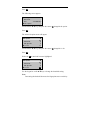
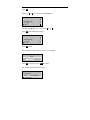
Backup Enroll
Continue?
UserID 0001
ESC
OK
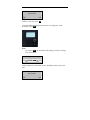
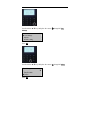
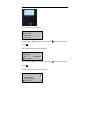
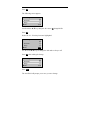
If you wish to add a backup finger for UserID 00001, press OK.
Note:
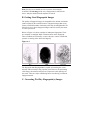
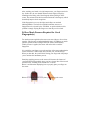
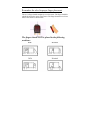
We recommend enrolling one finger from each hand. In case of injury
to one hand, the user can use the finger from the other hand as
backup. It is recommended to enroll either index and/or middle
fingers.