1
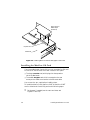
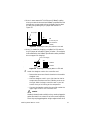
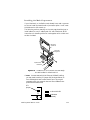
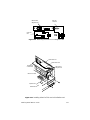
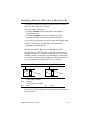
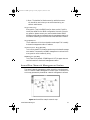
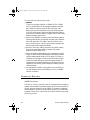
MacCon+ 30i
controller card
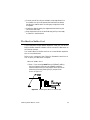
Expansion slot
Motherboard
MacCon+ 30i
daughter card
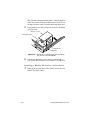
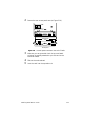
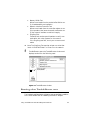
Figure 2-15 Installing a MacCon+ 30i card in a Macintosh SE/30
Installing a MacCon Card in a Macintosh SE/30
!
Caution
Be very careful when you open the case and work inside the Macintosh SE/30. If you are unfamiliar with opening the machine, consult
a trained technician.
Do not install the Asanté Math co-processor option. It will cause the
Macintosh to fail at start up or freeze during normal operation.
To install a MacCon3 IIsi, MacCon 30iE, or MacCon 30iET card in a
Macintosh SE/30, perform the following steps:
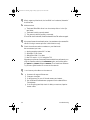
1
2
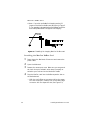
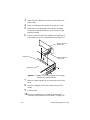
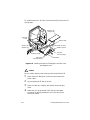
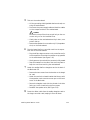
Power down the Macintosh. Disconnect and remove the
power cable. Lay the Macintosh SE/30 flat on its face.
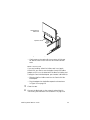
Open the case very carefully and remove the access port
cover.
Installing Asanté MacCon Cards
2-19