1
Er
ics No
so t fo
nM r
ob Com
ile
me
Co
r
mm cial
un Use
ica
tio
ns
AB
INTERPRETING THE INSTRUCTIONS IN THE
MANUAL
Example:
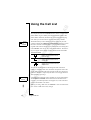
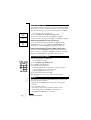
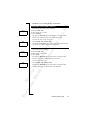
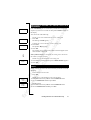
• Scroll to Mail, Y E S , Send message, Y E S .
<
<
<
Menu
Mail
>
Mail
Read
messages
>
Mail
Send
message
>
Interpret this instruction as follows:
1. From the standby mode, use the L E F T or R I G H T arrow key to
scroll to the Mail menu.
The arrows on either side of the word Mail mean that you can scroll
to another menu.
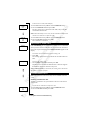
2. Press YE S to select the menu.
Now you are in the Mail menu.
The name of the menu that you have chosen is shown at the top of
the display (Mail).
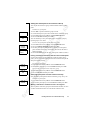
Use the L EF T or R I G H T arrow key to scroll to the Send Message
function.
3. Press YE S to select the function.
DISPLAY TEXT AND SYMBOLS
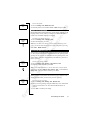
When you move through the menu system, the display changes. The
following hints can help you:
• When arrows are displayed next to the name of the sub-menu,
there are more options you can scroll through with the R I G H T /
L E F T (arrow) keys.
• Text in brackets shows the current setting of the function shown in
the display.
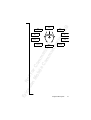
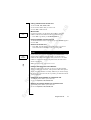
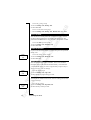
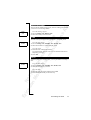
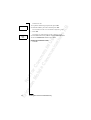
In this manual, we have chosen to exclude some of the details above
in the pictures of the displays. This is so that it will be easier for you
to understand the display texts in the margins. Below is an overview
of the default menus.
Note! Depending on the settings of your phone and your subscription, the menus Next call type (see “Sending and Receiving Faxes” on
page 65) and Change to (see “Using Two Phone Lines” on page 60)
may appear in the menu loop.
20
Using the Menu System