1
Er
ics No
so t fo
nM r
ob Com
ile
me
Co
r
mm cial
un Use
ica
tio
ns
AB
Troubleshooting
This chapter lists some problems that you might encounter while
using your phone. Some problems require that you call your service
provider, but most of the problems you encounter are easy to correct
yourself.
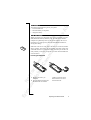
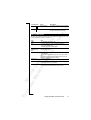
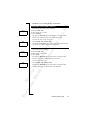
ERROR MESSAGES
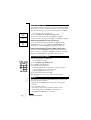
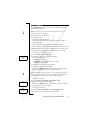
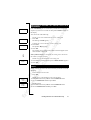
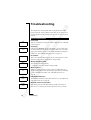
Insert
card
Searching
16:21
No network
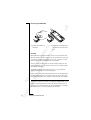
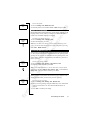
Wrong
PIN
Matching
error
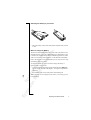
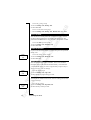
PIN
Blocked
Unblock?
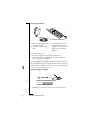
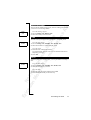
Blocked
Contact card
provider
68
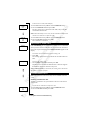
Insert Card
There is no SIM card in the phone. Insert a SIM card. See “The SIM
Card” on page 5.
Searching
If the message Searching remains in the display, you are within range
of a network but you are not allowed to use it. However, in an emergency, some operators allow you to call the international emergency
number 112. See “Making Emergency Calls” on page 15.
No network
There is no network within range or the received signal is too weak.
You have to move to get a signal that is strong enough.
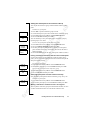
Wrong PIN, Wrong PIN2
You entered your PIN incorrectly.
• Enter the correct PIN or PIN2, and press Y E S .
Matching Error
When you want to change a security code (for example PIN) you
have to confirm the new code by entering it again. The two codes that
you have entered do not match. See “The SIM Card Lock” on
page 44.
PIN Blocked Unblock?
You entered your PIN incorrectly three times in a row. To unblock see
“The SIM Card Lock” on page 44.
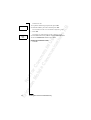
Blocked Contact card provider
You entered your personal unblocking key (PUK) incorrectly 10
times in a row. Contact your network operator or service provider.
Troubleshooting