1
O p e r a t i o n
4
OPERATION
VIA
v i a
D i s p l a y
DISPLAY
AND
a n d
K e y p a d
KEYPAD
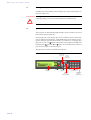
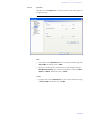
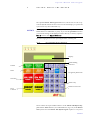
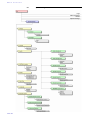
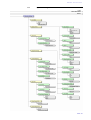
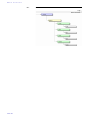
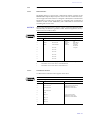
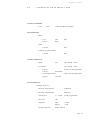
In this chapter all significant settings to operate the MAGIC TH2 system areexplained. An overview of the menu structure can be found in the annex under CHAPTER A1.
All configurations can also be set comfortably via the MAGIC TH2 Software
included in delivery.
NOTICE
For details concerning most functions please see CHAPTER 5 of the software
description.
4.1
Basic configurations
Below, some specific basic configurations of the MAGIC TH2 are described in
detail.
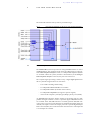
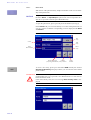
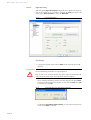
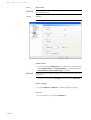
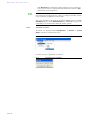
Menu reference number
NOTICE
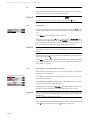
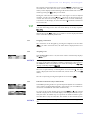
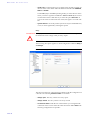
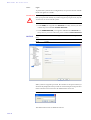
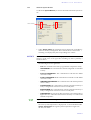
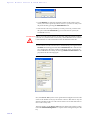
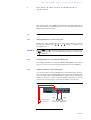
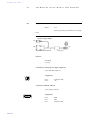
All menus can be reached directly via a Quick Menu key sequence. Each
menu item is marked with a numeral in the upper left corner (in the example
on the left it is 3). To get from the main menu directly to a specific menu,
please enter the key sequence Menu <Digit> <Digit> , in which <Digit> marks
the respective reference number of the menu. Please notice that the reference
number can change in accordance with the configuration.
4.1.1
Keypad lock
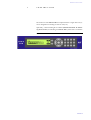
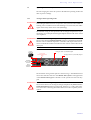
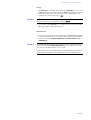
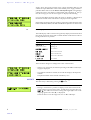
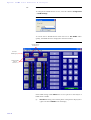
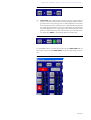
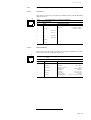
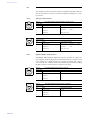
To avoid that keys are pressed unintentionally, you can activate a keypad
lock. For activation please press the Menu key followed by the key. If the keypad lock is activated, the display illumination is switched off immediately.
*
*
To deactivate the keypad lock, please enter again the key sequence Menu .
4.1.2
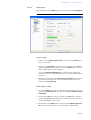
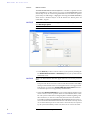
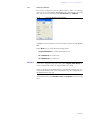
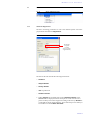
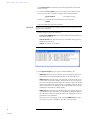
Operating mode selection: Analogue POTS or ISDN
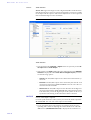
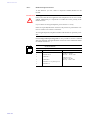
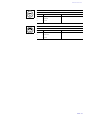
To set the operating mode POTS or ISDN the following steps are necessary:
NOTICE
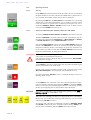
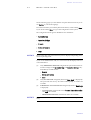
If you are not in the main menu, please press the
key first.
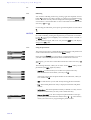
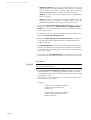
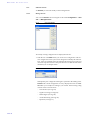
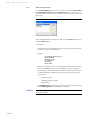
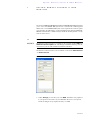
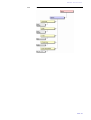
– Press the Menu softkey.
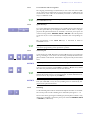
– Please select via the navigation key
press the Select softkey.
the option Operation Settings and
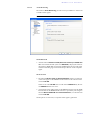
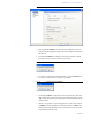
– Press again the Select softkey to get to the menu Line Mode.
– Now select the desired operating mode ISDN, ISDN Single Hybrid or POTS via
the cursor keys
and
and confirm your selection via the Select
softkey.
PAGE 25