1
O p t i o n :
D T M F
T o n e
G e n e r a t o r
8.2
&
A n a l y s e r
DTMF PC functions
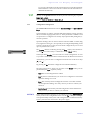
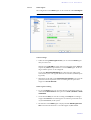
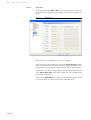
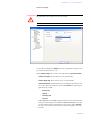
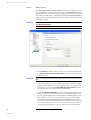
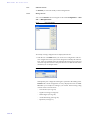
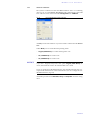
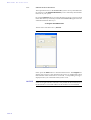
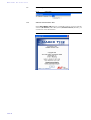
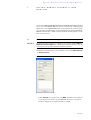
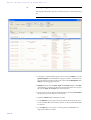
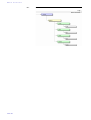
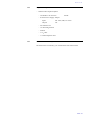
To configure the DTMF function via PC, select the submenu Configuration
→ DTMF Settings.
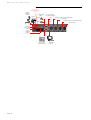
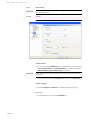
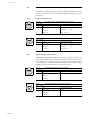
FIG. 60
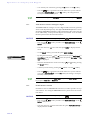
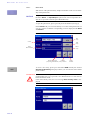
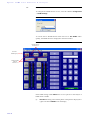
DTMF SETTINGS
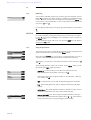
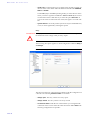
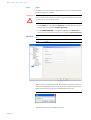
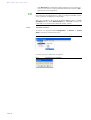
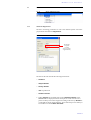
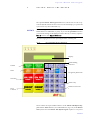
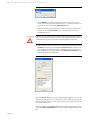
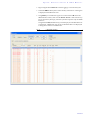
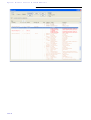
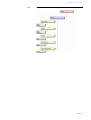
To activate the PC DTMF function check the box for Use DTMF. Subsequently, the DTMF function is displayed in the main window.
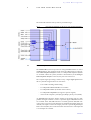
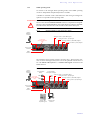
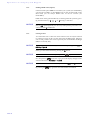
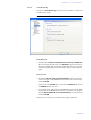
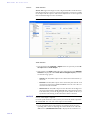
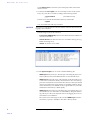
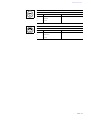
FIG. 61
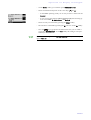
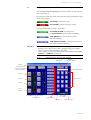
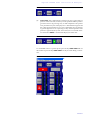
MAIN WINDOW WITH ENABLED DTMF FUNCTION
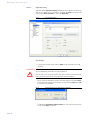
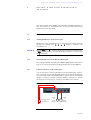
DTMF Analysis
in channel 1/2
Reset the
DTMF display
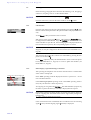
Sending DTMF
tones via
channel 1/2
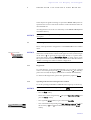
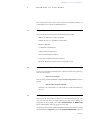
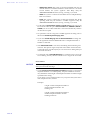
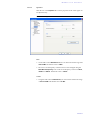
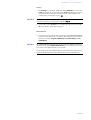
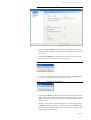
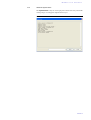
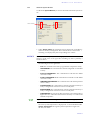
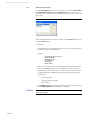
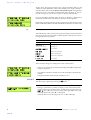
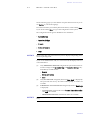
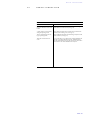
In the DTMF settings under Mode there are two options for the analysis of
DTMF tones available:
(1)
PAGE 96
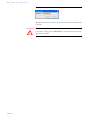
Standard: Each key pressed on the phone of the partner is displayed as
cypher. The button RESET resets the display