1
O p e r a t i o n
v i a
D i s p l a y
a n d
K e y p a d
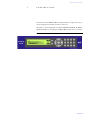
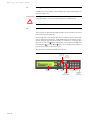
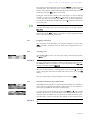
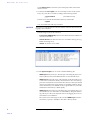
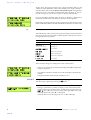
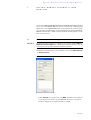
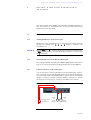
To activate a Quick Dial, from the main menu just press the desired Quick
Dial number for at least 3 seconds. The connection to the subscriber is established automatically.
TIP
Just as the configuration menus the phone book functions can also be reached
directly via the QuickBook function. Please press the following key sequence:
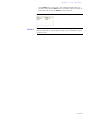
Names Opts. <Digit>
Example: Save as Quick dial - Names Opts. 5
4.3.3
Configuration management
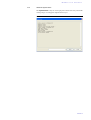
The MAGIC TH2 differentiates between System Settings and Operation Settings.
System Settings are settings, which do not change during normal operation,
like for instance language, date/time etc. These parameters cannot be saved
in a preset since a configuration is usually only required when putting the system into operation.
Operation Settings, like for instance the line interface ISDN or POTS, Ring
Tone, Signal Processing etc., must possibly be reconfigured depending on the
respective application. To easily recall recurrent configurations you can store
up to 10 presets in the system.
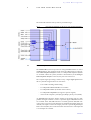
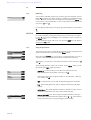
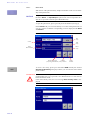
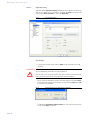
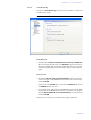
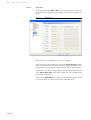
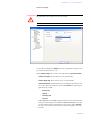
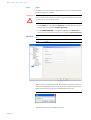
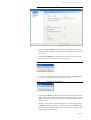
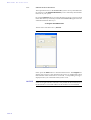
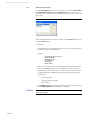
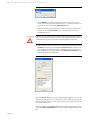
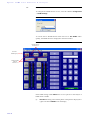
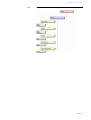
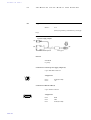
The Presets menu is reached by pressing the Menu softkey once and the cursor key
twice followed by a confirmation via the Select softkey.
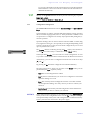
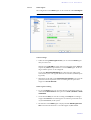
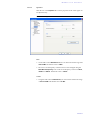
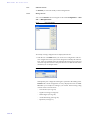
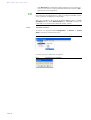
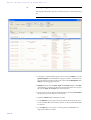
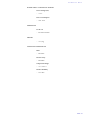
In the input field Presets you can search for a certain configuration. As soon
as you enter a character, the entries in the Presets list in demand are retrieved.
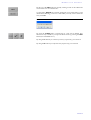
Alternatively, you can select a configuration from the list via the cursor keys
and
.
By pressing the Ok button the configuration is loaded immediately.
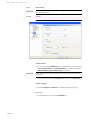
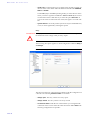
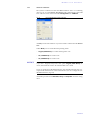
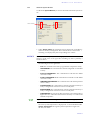
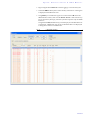
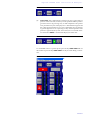
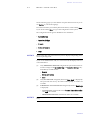
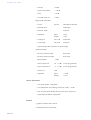
The following functions, which you can select via the Select softkey, are implemented by the Opts. (Options) softkey:
– Load: The stored configuration is loaded.
– New: By the use of this function you create a new configuration. All current
Operation Settings are saved.
– Save: The currently selected configuration will be overwritten with the
current Operation Settings. For safety reasons you have to confirm your
selection.
– Delete Preset: The currently selected configuration will be deleted. For
safety reasons you have to confirm your selection.
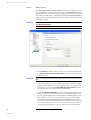
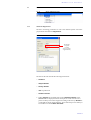
NOTICE
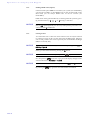
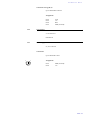
If the configuration has changed, you are asked if you want to Save Settings?
when you leave the configuration menu. Via the Yes softkey the setting is
stored permanently in the system. This configuration is loaded automatically
by the system after the connection to the power supply.
PAGE 31