1
•
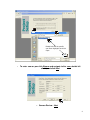
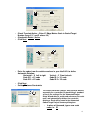
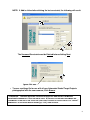
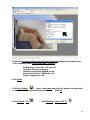
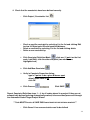
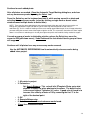
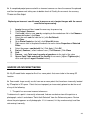
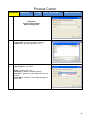
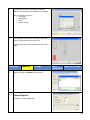
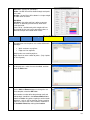
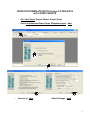
Type a new File name for the settings file that will retain all default settings that
were chosen or created in the Project Setup Wizard windows. The settings file
name will be appended with .ini. Click Save.
•
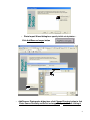
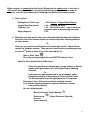
Click Finished
SAVE FREQUENTLY
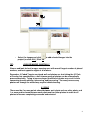
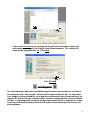
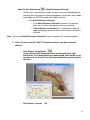
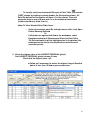
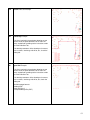
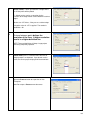
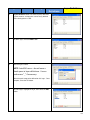
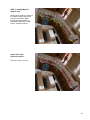
The selected images open with Intelli-Mark targets marked, and cascade one at a time to
the workspace with “not oriented” stated in each image window title bar. As each mark
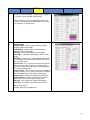
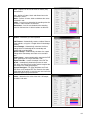
in an image is referenced and the set of photos are processed, when a photo satisfies the
required 6/1 Rule of Overlap, it then becomes oriented, designated in the specific window
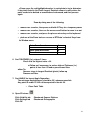
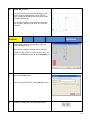
title bar. If all photographs satisfy the overlap requirements, then the ending error shown
in the Project Summary dialog reflects the 3D model results based upon the chosen set
of photographs.
9