1
68
Configuration
Control Panel LCD Displays
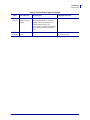
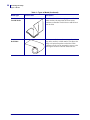
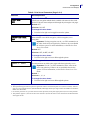
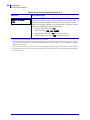
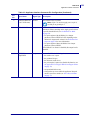
Table 6 • Print Engine Parameters (Page 14 of 26)
Parameter
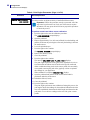
MEDIA AND RIBBON
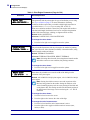
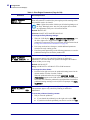
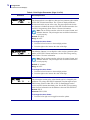
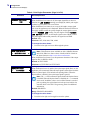
CALIBRATE
Action/Explanation
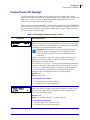
Calibrate Media and Ribbon Sensor Sensitivity
Use this procedure to adjust sensitivity of media and ribbon sensors.
Important • Follow this procedure exactly as presented. All of the
steps must be performed even if only one of the sensors requires
adjustment. You may press the left oval at any step in this procedure
to cancel the process.
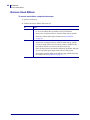
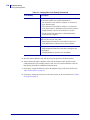
To perform a media and ribbon sensor calibration:
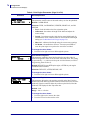
1. Press the right oval to start the calibration procedure.
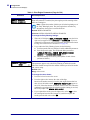
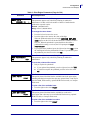
The LOAD BACKING prompt displays.
2. Open the printhead.
3. Remove approximately 8 in. (203 mm) of labels from the backing, and
pull the media into the print engine so that only the backing is between
the media sensors.
4. Leave the printhead open.
5. Press the right oval to continue.
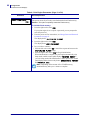
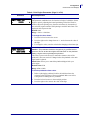
The REMOVE RIBBON prompt displays.
6. Remove the ribbon (if used).
7. Close the printhead.
8. Press the right oval to continue.
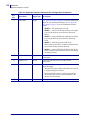
The message CALIBRATING PLEASE WAIT displays.
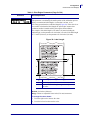
The print engine adjusts the scale (gain) of the signals that it receives
from the media and ribbon sensors based on the specific media and
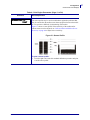
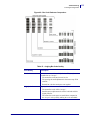
ribbon combination being used. On the sensor profile, this essentially
corresponds to moving the peak of the graph up or down to optimize
the readings for your application.
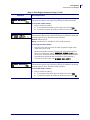
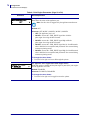
When calibration is complete, RELOAD ALL displays.
9. Open the printhead and pull the media forward until a label is
positioned under the media sensor.
10. Reload the ribbon (if used).
11. Close the printhead.
12. Press the right oval to continue.
The print engine performs an auto-calibration. During this process, the
print engine checks the readings for the media and ribbon based on the
new scale established, determines the label length, and determines the
print mode. To see the new readings on the new scale, print a sensor
profile.
57516L-002 Rev. A
170PAX4 User Guide
1/10/06