1
Configuration
Control Panel LCD Displays
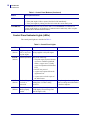
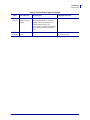
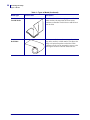
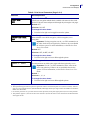
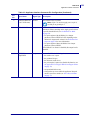
Table 6 • Print Engine Parameters (Page 7 of 26)
Parameter
Action/Explanation
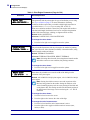
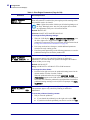
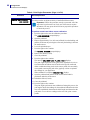
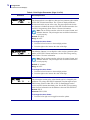
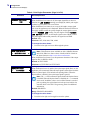
MEDIA REPLACED?
NO
YES
Reset Media Counter for Early Warning
This parameter appears only when Early Warning is enabled for media.
To reset the media counter:
1. Did you replace the media?
a. If you replaced the media, press the right oval to select YES.
b. If you did not replace the media, press the left oval to select NO.
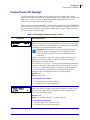
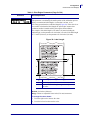
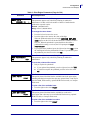
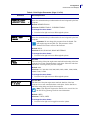
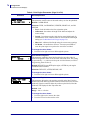
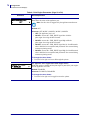
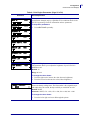
RIBBON LENGTH
- 450M 1476 FT
+
Set Ribbon Length for Early Warning
This parameter appears only when Early Warning is enabled for media and
the print engine is set for Thermal Transfer operation.
Default: 450 M/1476 FT
Range: 100 M/328 FT to 450 M/1476 FT in 50 M increments
To change the value shown:
1. Press the left or right oval to set the value to match the length of the
ribbon that you are using.
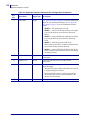
Based on the number entered, when the print engine detects that less
than 15% of the ribbon remains, WARNING RIBBON LOW appears
on the LCD. If the alert function is enabled, an alert is also sent. When
the printhead is opened and then closed after a ribbon warning is
received, the LCD prompts with RIBBON REPLACED?.
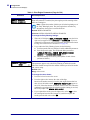
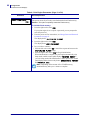
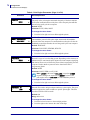
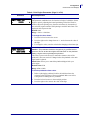
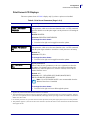
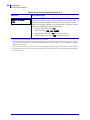
RIBBON REPLACED?
NO
YES
Reset Ribbon Counter for Early Warning
This parameter appears only when Early Warning is enabled for media and
the print engine is set for Thermal Transfer operation.
To reset the ribbon counter:
1. Did you replace the ribbon?
a. If you replaced the ribbon, press the right oval to select YES.
b. If you did not replace the ribbon, press the left oval to select NO.
1/10/06
170PAX4 User Guide
57516L-002 Rev. A
61