1
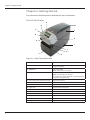
Chapter 2: Getting Started
A
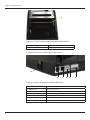
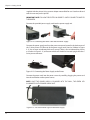
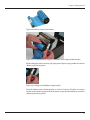
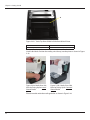
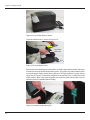
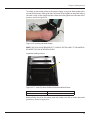
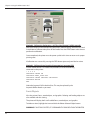
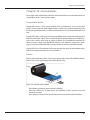
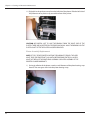
Figure 2-42. C Series Top View of Media Guide from Behind Printer
Device
Use
A – Media guide (silver bar)
Guides the labels through the printer
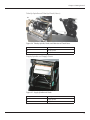
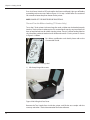
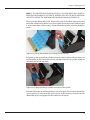
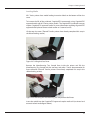
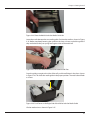
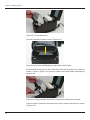
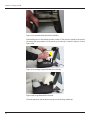
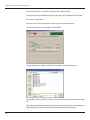
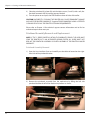
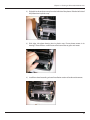
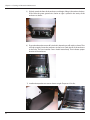
Unroll a few labels. Position the media, print side up, into the printer as shown in Figure
2-43.
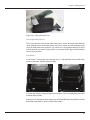
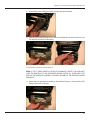
Figure 2-43a. Media Print Side
Must be Facing Up for Inward
Wound Media
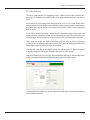
Figure 2-43b. Media Print Side
Must be Facing Up for Outward
Wound Media
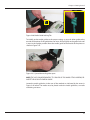
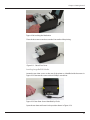
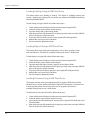
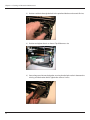
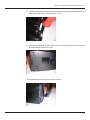
Place the media under the media guide bar as shown in Figure 2-44.
24