1
D
Sound module USM-RC-2
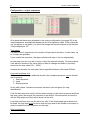
Sound simulation
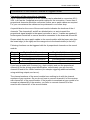
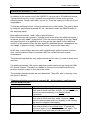
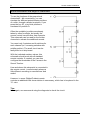
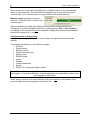
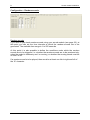
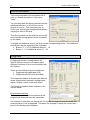
The sound simulation can be started with a
click on “Sound simulation” in the menu
“Help”.
You can play-back the driving sounds and the
additional sounds 1 to 20 of your current
project at your pc. This is an easy way to
check your sounds and configurations without
copying all files to SD card.
The driving sound can be switched on and off
and even the driving speed can be simulated
by the slider.
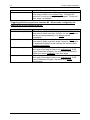
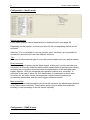
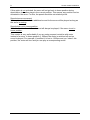
To trigger an additional sound, just click on the corresponding button. The additional
sounds can also be triggerd by the keyboard:
• Button F1 - F10 Æ Additional sound 1 - 10
• Button 1 - 0 Æ Additional sound 11 - 20
Diagnosis
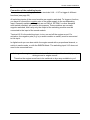
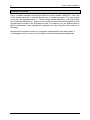
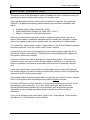
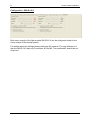
A diagnosis function is integrated in the
Sound-Teacher and you can easily check
different functions of your sound module with
this feature.
There are two different types of diagnosis:
1. Diagnosis with datacable (live)
2. Diagnosis with SD card (recorded)
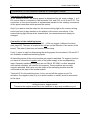
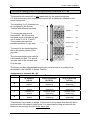
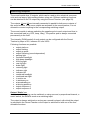
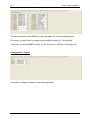
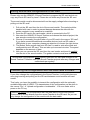
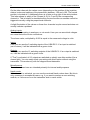
The diagnosis window is divided into different
areas: proportional channels, analog inputs,
inputs, outputs, nautic mode and others.
The following explains what is shown in the
various areas.
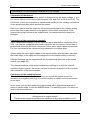
Proportional channels
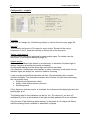
This shows what values are received at the
proportional channels from the transmitter.
On channel #1 (and also on channel #2 if 2 motors for engine sound are used) the
received value in ms is displayed. This helps for example to setup the correct zero
point in the driving sound diagram.
01.03.2012
BEIER-Electronic
69