1
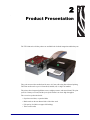
Product Presentation
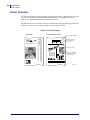
Controls
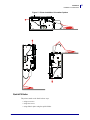
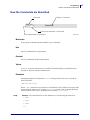
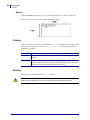
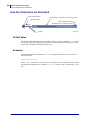
Status Indicator
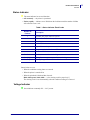
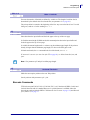
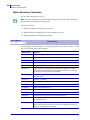
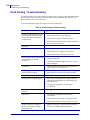
● The status indicator has several functions:
• ON constantly — the printer is operational
• Flashes rapidly — indicates error. Hold down the feed button and the number of blinks
will reflect the status-code.
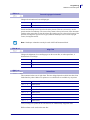
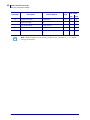
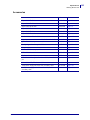
Table 1 • Status Indicator Flash Codes
Number of
Flashes
Description
1
Presenter jam, paper cannot be ejected
2
Cutter cannot return to home position
3
Out of paper
4
Printhead lifted
5
Paper did not reach presenter sensor in time
6
Temp error, printhead is above 60°C
11
Black mark calibration error
Fast flashes
Checksum error at firmware loading
Steady light
Wrong firmware type or target at firmware loading
Constantly off
Waiting for paper in black mark calibration mode
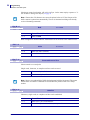
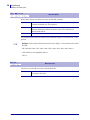
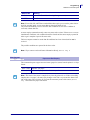
Status-Codes are reset:
• When the conditions causing them are removed
• When the printer is turned off/on
• When the printhead is lifted and then lowered.
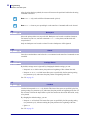
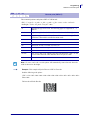
Blink, blink, pause, blink, blink — is the warning-code for paper low[1]
The warning-code is reset automatically when the condition causing it is removed.
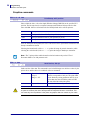
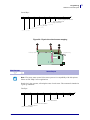
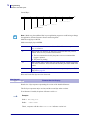
Voltage Indicator
● Green indicator constantly ON — 24 V present
10/22/2008
TTP2100 Technical Manual
P1003640-001
13