1
Notes
i
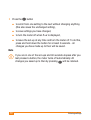
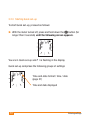
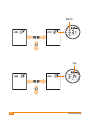
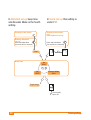
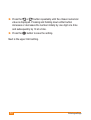
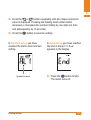
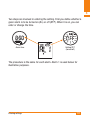
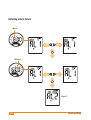
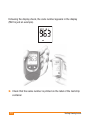
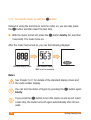
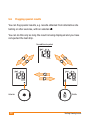
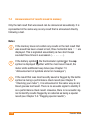
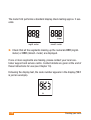
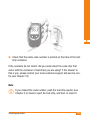
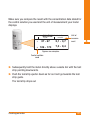
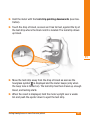
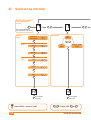
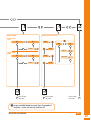
When the beep tone or Acoustic Mode is turned on (0n1 or 0n2),
the meter beeps five times at approx. 1 second intervals while
the result is being erased (the last beep is longer than the preceding four).
i
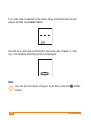
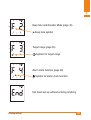
When you later retrieve results from memory, the erased result
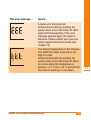
appears as three horizontal bars ---.
i
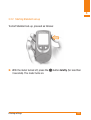
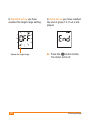
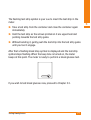
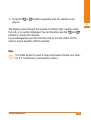
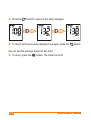
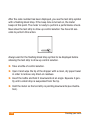
As long as the fifth beep has not sounded, you can stop the result
from being erased by releasing the < and > buttons again.
The flashing result continues to be displayed. You can re-start the
erasing operation by pressing and holding down the < and >
buttons again at the same time.
i
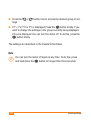
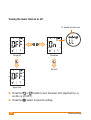
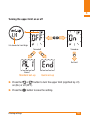
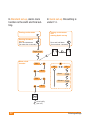
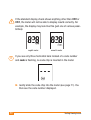
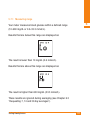
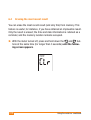
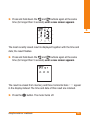
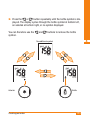
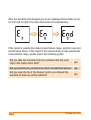
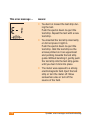
As long as the result has not been erased, i.e. (lr is displayed
or the result is flashing, you can quit the erasing procedure. To do
so, press the Þ button. The meter turns off.
i
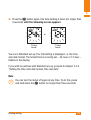
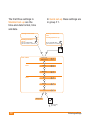
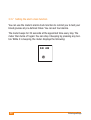
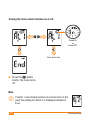
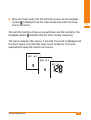
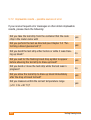
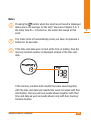
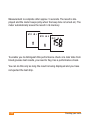
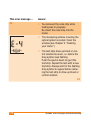
If the last result has already been erased, three horizontal bars
--- flash following (lr. Press the Þ button to turn the meter
off.
108
Using the meter as a notebook