1
3
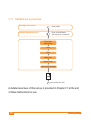
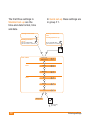
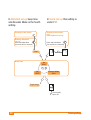
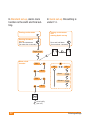
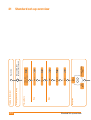
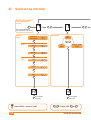
Standard set-up takes you step by step through all the available settings. Standard set-up is therefore best for entering initial settings into
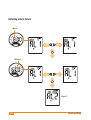
your meter. The order in which you enter settings is shown in the overview on page 26. You can only enter settings in the order shown (from
top to bottom).
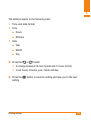
Quick set-up allows you to select just the setting you wish to change.
Quick set-up is therefore best for quickly changing individual settings. If
you wish to change an alarm time, for instance, you can go directly to
the alarm clock function settings.
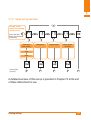
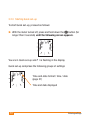
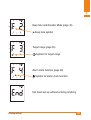
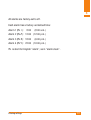
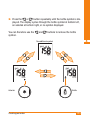
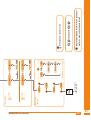
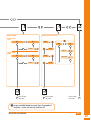
In Quick set-up the settings are divided into four groups: F 1, F 2, F 3
and F 4. The Quick set-up map is shown in the overview on page 27.
You can only enter settings within a group in the order shown (from top
to bottom).
Entering settings
25