1
Time
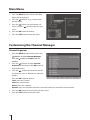
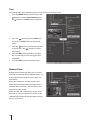
Time Setup menu aids to perform adjust the system time as per you wish.
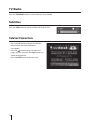
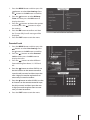
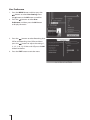
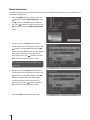
1. Press the MENU button and then press the
buttons to select User Settings. Press
the button or the OK button to confirm.
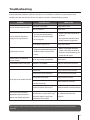
2. Press the
buttons to select Time and
then press the OK button to display the
menu.
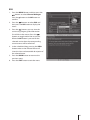
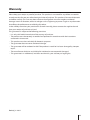
3. Press the
buttons to choose the options
and then press the
buttons to adjust
the settings.
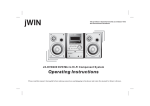
4. Press the OK button to confirm and then
the "Successfully Saved" message will be
displayed.
5. Press the EXIT button to exit the menu.
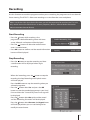
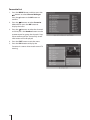
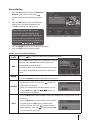
Wakeup Timer
Wakeup timer feature will allow you to set the
reminder to switch to their preferred events / to
remind about some important messages and
time record.
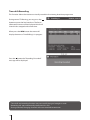
When your receiver in standby mode it will
automatically wakeup when the event time is
reached. After the event is finished then it will
go to the standby mode.
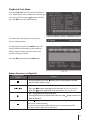
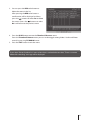
Wake up timer will switch to the service when
the timer is set for the particular service or the
selected information will be displayed until you
presses any buttons.
28