1
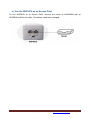
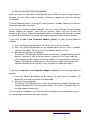
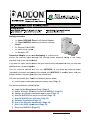
f) Use the NHP5010 as an Access Point
To use NHP5010 as a router, you need to login to its management page. Please refer to
the section “How to login to the management page of NHP5010” (Page 5 to 9).
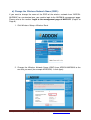
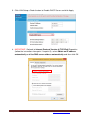
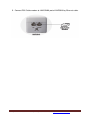
1. Login to the management page of NHP5010->Click Internet Setup->Click Edit
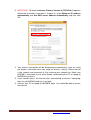
2. Change the Connection Type to DHCP and click Apply
For any further information on ADDON product, please visit our website: http://www.addon-tech.com
15