1
LU eircom 8000_8000A.book Page 19 Jeudi, 12. novembre 2009 12:01 12
Ring tones
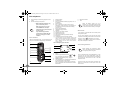
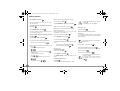
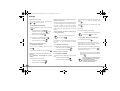
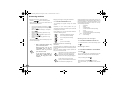
Changing the ring tones
This menu enables you to associate a unique ring tone
to incoming calls or internal calls (intercom).
Go to RING TONE / EXTERNAL CALL or INTERNAL
CALL.
Select the ring tone of your choice using the
keys then press Volume
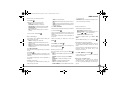
When in silent mode, the telephone ringer and keypad
beeps are inhibited.
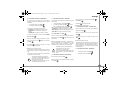
Go to RING TONE / SILENT MODE.
or
.
Press Yes
Adjust the ringer volume using
Valid.
or
Ring tones
Activating/deactivating the silent
mode
, press
.
to activate the silent mode.
When you activate the silent mode, your
handset is muted for all timer, organisertype functions...
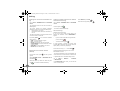
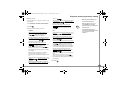
Activating or deactivating the beeps
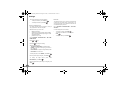
Go to RING TONE / BEEPS.
Select the beep type using
or
. Press Valid.
.
KEYTONE: the handset beeps when a key is pressed.
BATTERY LOW: the handset beeps when the battery
is too low.
CHARGER: the handset beeps when you hang up the
handset.
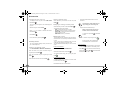
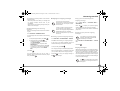
An information screen displays the beep status for the
selected item.
•
To change the status, press Edit
•
To keep the status, press Valid.
. The status
is modified on the screen. Press Valid.
.
.
19