1
4.
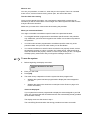
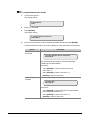
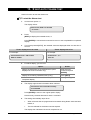
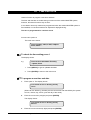
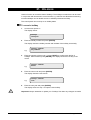
Enter the month number and press [ENTER], [ENTER]
2- Last Sunday, Month 3
End Day:
5.
Select:
1: DST end at FIRST Sunday of the month
2: DST end at LAST Sunday of the month
6.
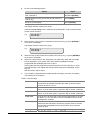
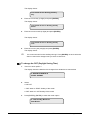
Press [ENTER], [ENTER] to accept
2- Last Sunday, Month 00
End Sunday
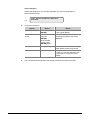
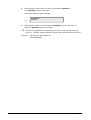
Enter the month number when the time changes from summertime to wintertime and
press [ENTER]
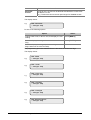
2- Last Sunday, Month 10
End Month
The programming of DST is completed
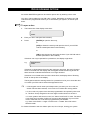
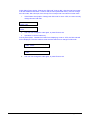
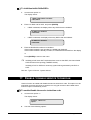
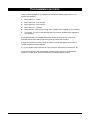
To adjust the internal clock for correct timings
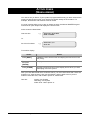
Enter option 4
Daily Adjustmemt (Sec).: +0
*-Change, sec:
Press [MENU*] to change the sign and give the correction number of seconds to add or
to subtract daily. Then press [ENTER].
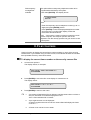
16. INHIBIT/UNINHIBIT RAS/DGP
Use this function to inhibit remote arming stations (RASs) and data gathering panels
(DGPs), i.e. exclude fault and tamper messages (system alarms) from a RAS or DGP to
the security system.
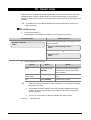
This function is used if a RAS or DGP has generated a system alarm, or is out of service,
and needs to be inhibited while awaiting service.
ATS2000/3000/4000/4500 Manager’s Guide
49