1
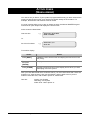
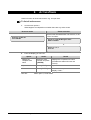
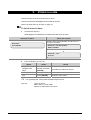
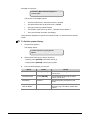
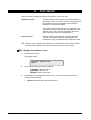
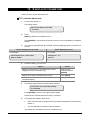
THE ADVISOR MASTER KEYPAD
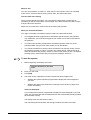
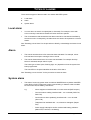
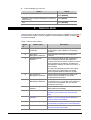
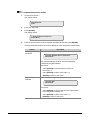
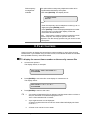
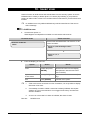
Figure 1: The keypad
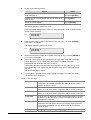
The keypad
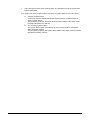
0-9
ON
•
Used to enter alphanumeric information.
•
Used after entering your PIN code to tell the system that you want to arm
your area(s).
(Some arming stations may have a # as ON key)
OFF
•
Used after entering your PIN to tell the system that you want to disarm your
area(s).
(Some arming stations may have a * as OFF key)
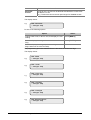
ENTER
•
Used when information is to be processed (similar to the Enter key on a
computer).
•
Scrolls forward in the menu.
(Some arming stations may have a # as ENTER key)
MENU*
•
Displays the menu login prompt.
•
Backspace to correct an error.
•
Scrolls backwards in the menu.
(Some arming stations may only have the * without the word menu)
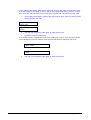
+
or
+
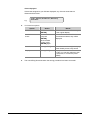
MENU+ (▲)
•
Increases the LCD contrast.
MENU+ (▼)
•
Decreases LCD contrast.
NEXT
•
Displays the next items in a menu list.
•
Updates the information displayed.
(Available on some arming stations only)
[CLEAR]
•
Exits the current function or operation and returns to alarm control prompt.
(Available on some arming stations only)
4
ATS2000/3000/4000/4500 Manager’s Guide