1
R911305038 / 01 | Rexroth VCP-Operating Concept
Electric Drives and Controls | Bosch Rexroth AG
5-15
Standard Mode
5.5.3.2
Alphanumeric
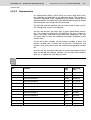
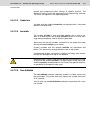
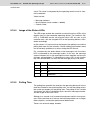
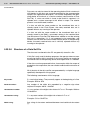
For alphanumeric display, ASCII strings are read in byte format from
the controller, and displayed in the operating device. The number of
characters displayed varies, depending on the options offered by the
operating device. A variable of the type Alphanumeric cannot be longer
than one display line. Longer texts are truncated.
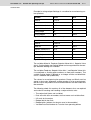
The controller address specifies the start of the string. It does not contain a length byte, as this is not required.
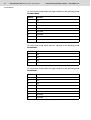
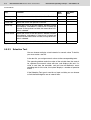
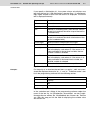
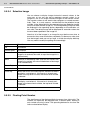
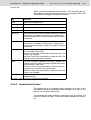
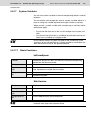
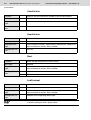
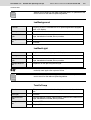
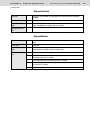
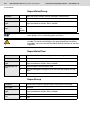
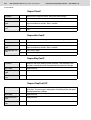
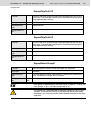
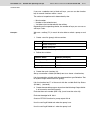
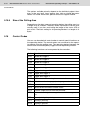
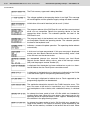
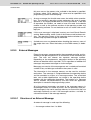
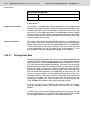
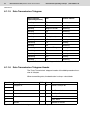
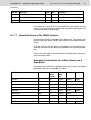
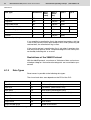
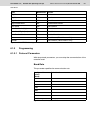
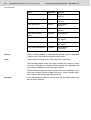
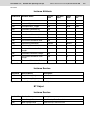
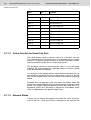
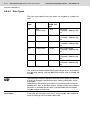
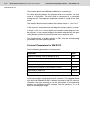
You can use the plus and minus keys to input alphanumeric characters. The system variables Shift and ShiftCase are also available for
upper case (Shift) and lower case (ShiftCase) respectively. You can
use these keys to enter the additional characters displayed on the
numeric keys.
To use the system variables, link the system variables as press and
release variables with a function key to the mask. During input, the
operator must press the function key and the corresponding numeric
key.
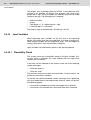
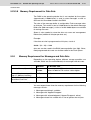
You can use the Password field type to enable concealed password
entry on the operating device. However, you can only enter numbers
here. An “X” appears for each digit you enter.
See chapter “Password Protection“ on page 5-135.
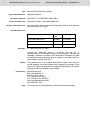
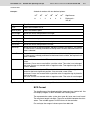
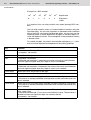
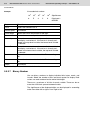
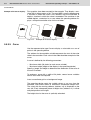
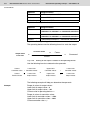
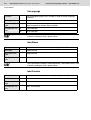
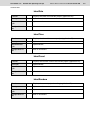
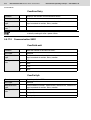
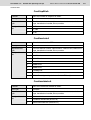
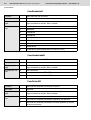
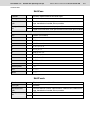
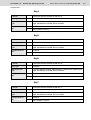
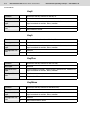
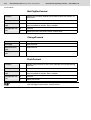
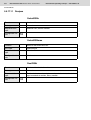
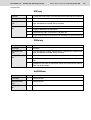
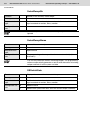
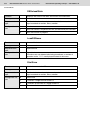
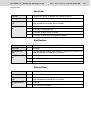
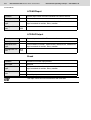
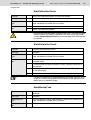
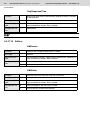
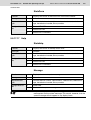
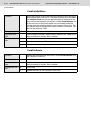
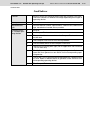
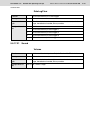
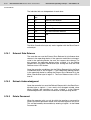
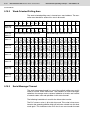
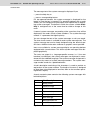
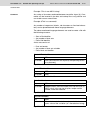
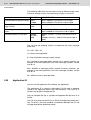
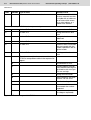
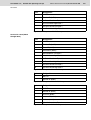
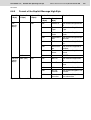
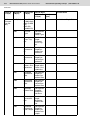
Key
Function
With
Shift
With ShiftCase
0
Enters the number 0
()°0
()°0
1
Enters the number 1
STU1
STUstu1
2
Enters the number 2
VWX2
VWXvwx2
3
Enters the number 3
YZ%3
YZ%yz%3
4
Enters the number 4
JKL4
JKLjkl4
5
Enters the number 5
MNO5
MNOmno5
6
Enters the number 6
PQR6
PQRpqr6
7
Enters the number 7
ABC7
ABCabc7
8
Enters the number 8
DEF8
DEFdef8
9
Enters the number 9
GHI9
GHIghi9
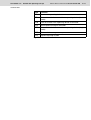
Decimal point
Enters the decimal point.
:?!.
:?!:?!.
Plus
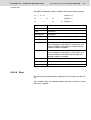
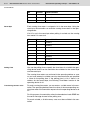
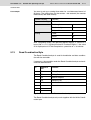
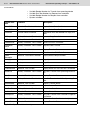
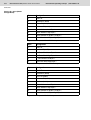
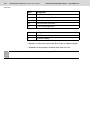
Enters the numbers 0 to 9, the letters A to Z and a to z <=>+
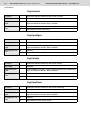
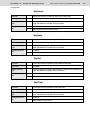
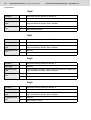
Fig. 5-8:
Key functions for alphanumeric variables
<=><=>+