1
VENICE Client Software User Guide
It provides the same items as available for a control of the player. For a
description of them see section “Player Controls (VENICE)” on
page 3-14. Additionally the following items are available:
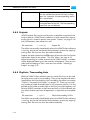
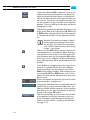
REMOTE
PROTOCOL
Select from the REMOTE PROTOCOL combo
box the RS-422 protocol that should be used to
control the VENICE server. You can select between
the Sony 9-pin protocol or VDCP.
For VDCP an output path has to be defined. Further information about this can
be found in the “VENICE Administration
and Configuration” user guide.
This button allows you to open the VENICE configurations. You can then change, for example,
RS-422 relevant settings. See “VENICE Administration and Configuration” user guide.
This button deactivates the slave mode and closes
the slave mode control window.
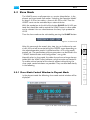
2.3.2 Slave Mode Control Window in Ingest Mode
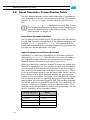
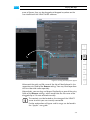
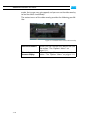
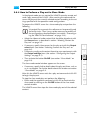
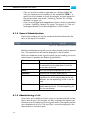
In the ingest mode the following slave mode control window will be
displayed:
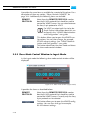
Figure 2-11: Slave mode control (ingest mode)
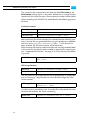
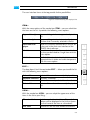
It provides the items as described below:
REMOTE
PROTOCOL
Select from the REMOTE PROTOCOL combo
box the RS-422 protocol that should be used to
control the VENICE server. Currently only the Sony
9-pin protocol can be selected.
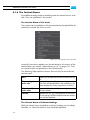
This button allows you to open the VENICE configurations. You can then change, for example,
RS-422 relevant settings.
2-10