1
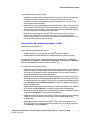
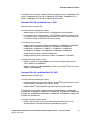
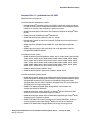
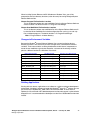
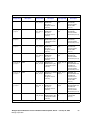
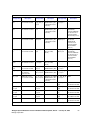
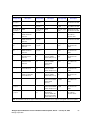
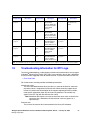
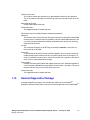
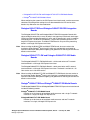
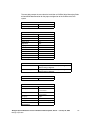
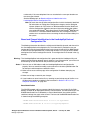
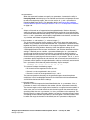
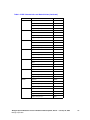
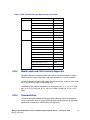
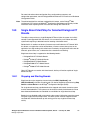
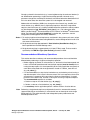
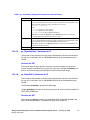
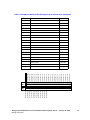
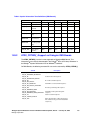
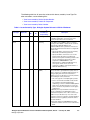
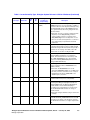
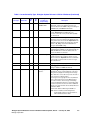
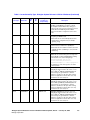
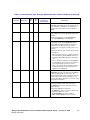
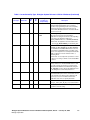
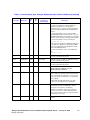
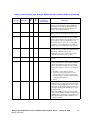
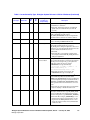
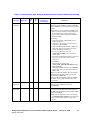
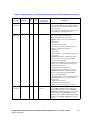
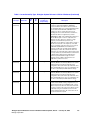
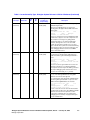
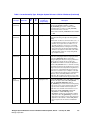
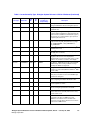
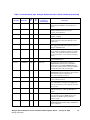
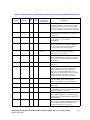
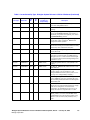
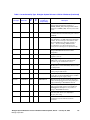
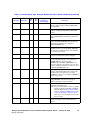
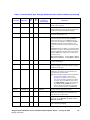
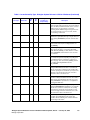
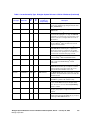
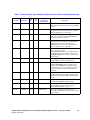
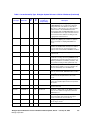
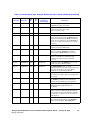
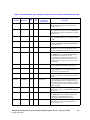
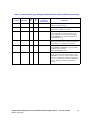
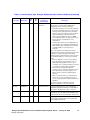
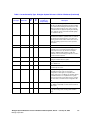
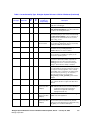
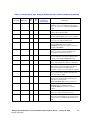
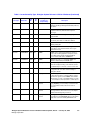
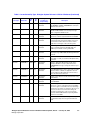
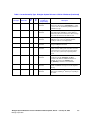
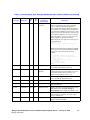
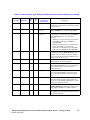
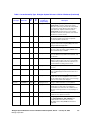
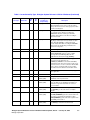
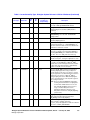
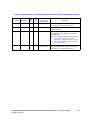
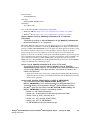
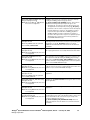
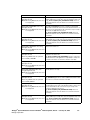
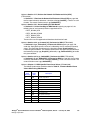
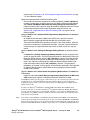
Table 9. Issues Sorted By Type, Dialogic® System Release 6.0 PCI for Windows® (Continued)
Issue Type
Known
Defect No.
PTR
No.
IPY00008411
32133
SU
No.
Dialogic®
Product(s) or
Component(s)
DM3 Network
Description
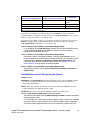
Under heavy load with 100% CPU utilization, if the
host application were to exit abnormally (i.e.
application error, memory exception), specific realtime tasks running on the board may assert. The only
way to recover would be to restart the Dialogic®
Services.
Workaround: To prevent this, avoid running at or near
100% CPU utilization.
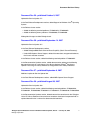
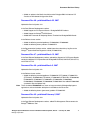
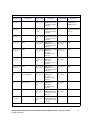
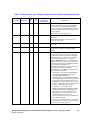
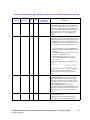
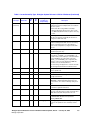
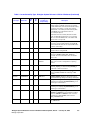
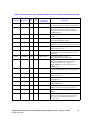
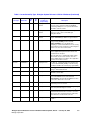
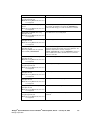
Known
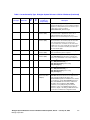
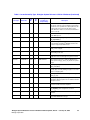
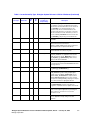
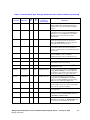
IPY00007385
29991
DM3 Network
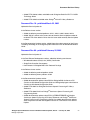
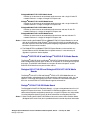
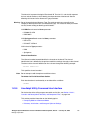
Missing completion event from gc_DropCall( ) if
called right after gc_Attach( ) in SYNC mode on
Dialogic® DM3 Boards.
Workaround: Call gc_Attach( ) in ASYNC mode and
wait for completion event.
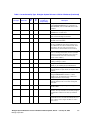
Known
IPY00007234
23614
DM3 Network
When a trunk receives AIS, the LineAdmin utility only
displays the GREEN and RED LEDs, and not the
YELLOW one.
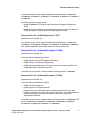
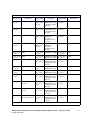
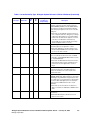
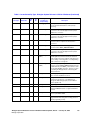
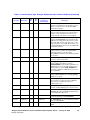
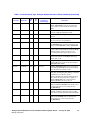
Known
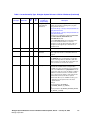
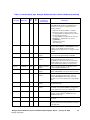
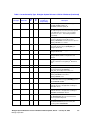
IPY00008208
30489
DM3 Voice
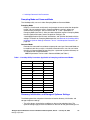
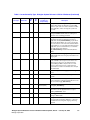
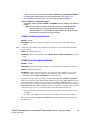
On Dialogic® DM3 Boards, call progress using
dx_dial( ) does not return a result of CR_FAXTONE
when a CNG tone is played. Note that CED tones are
correctly interpreted as CR_FAXTONE.
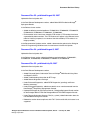
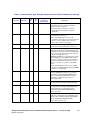
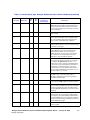
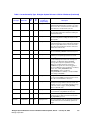
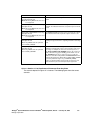
Known
IPY00022317
28582
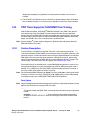
DMV160LP
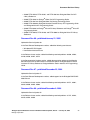
GSM voice coder issue.
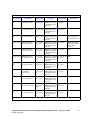
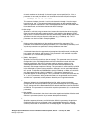
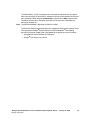
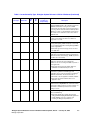
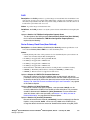
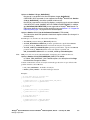
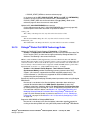
Workaround: To use the GSM voice coder for
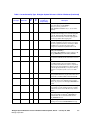
recording on the Dialogic® DMV160LP Board, you
must disable the DMA option in the Dialogic®
Configuration Manager (DCM) using the following
steps:
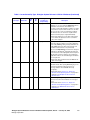
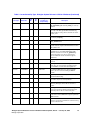
1. Make sure the board is in the stop state.
2. Go to the Driver tab.
3. Modify the setting for the “Do DMA” parameter to
0 and click Apply. (This parameter is set to 1 by
default.)
4. Re-download the board.
In certain environments, such as in a system with five
or more boards with all channels active, you may
experience an increase in CPU utilization of 4% to 6%
when using GSM.
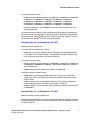
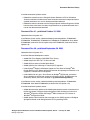
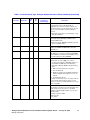
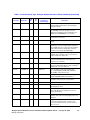
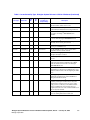
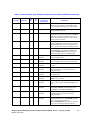
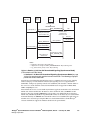
Known
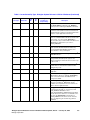
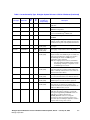
IPY00022006
29073
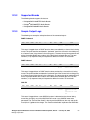
DMV160LP
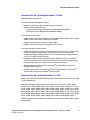
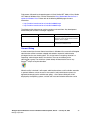
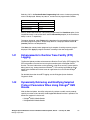
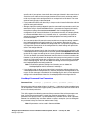
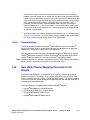
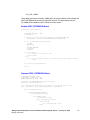
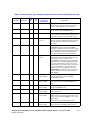
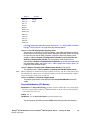
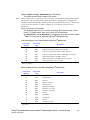
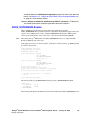
Disconnect tone supervision. You may need to adjust
the definition for the disconnect tone depending on the
PBX system you are using. To do so, modify its
definition in the dmv160lp.config file. Use one of the
following values:
Fast Busy (reorder): 19938
Dialtone: 41571
Busy: 19937
Dialogic® System Release 6.0 PCI for Windows® Release Update, Rev 62 — January 30, 2008
Dialogic Corporation
271