1
184 CHAPTER 9
Working with compiler options
The compc and mxmlc compilers share a very similar set of options. As a result, the behavior of the mxmlc and
compc Ant tasks are similar as well. T
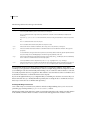
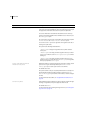
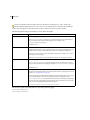
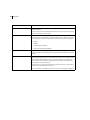
You can specify options for the mxmlc and compc Flex tasks in a number of ways:
•
•
•
Task attributes
•
•
Nested elements
Single argument options
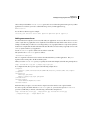
Multiple argument options
Implicit FileSets
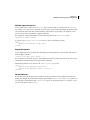
Task attributes
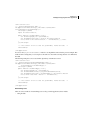
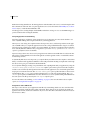
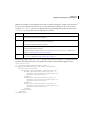
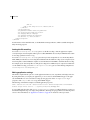
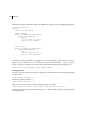
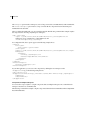
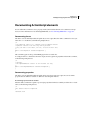
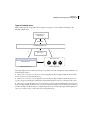
The simplest method of specifying options for the Flex Ant tasks is to specify the name and value of commandline options as a task attribute. In the following example, the file and keep-generated-actionscript options
are specified as attributes of the mxmlc task:
<mxmlc file="${APP_ROOT}/Main.mxml" keep-generated-actionscript="true">
Many mxmlc and compc options have aliases (alternative shorter names). The Flex Ant tasks support all
documented aliases for these options.
Single argument options
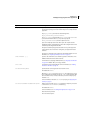
Many compiler options specify the value of a single parameter. For example, the load-config option takes a
parameter named filename. You set these types of options by including an attribute in the task element whose
name is the option name and whose value is the value of the option.
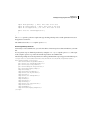
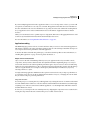
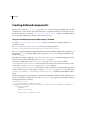
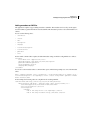
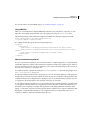
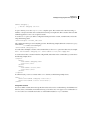
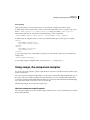
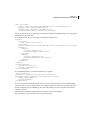
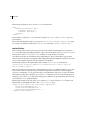
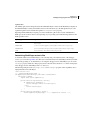
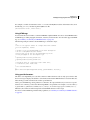
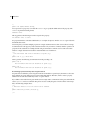
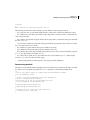
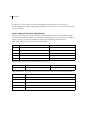
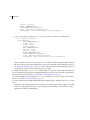
The following example sets the values of the load-config and source-path options:
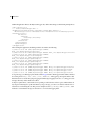
<mxmlc ... >
<load-config filename="${FLEX_HOME}/frameworks/flex-config.xml"/>
<source-path path-element="${FLEX_HOME}/frameworks"/>
</mxmlc>
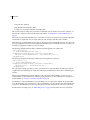
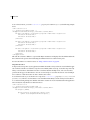
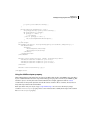
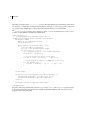
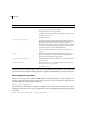
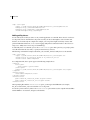
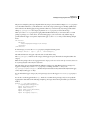
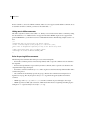
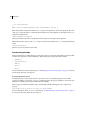
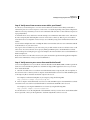
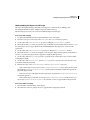
The source-path option can take more than one path-element parameter. For more information, see
“Repeatable options” on page 185.