1
42 CHAPTER 3
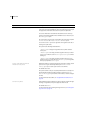
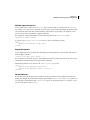
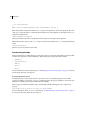
Authentication requires a website to store information about users. This information includes the role or roles
assigned to each user. In addition, websites that authenticate user access typically implement a login mechanism
that forces verification of each user’s identity by using a password. After the website validates the user, the website
can then determine the user’s roles.
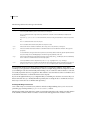
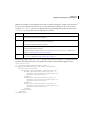
This logic is typically implemented in one of the following forms:
•
•
JDBC Login Module
•
•
Windows Login Module
LDAP Login Module
Custom JAAS Login Module
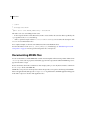
Authentication occurs on a per-request basis. The container typically checks every request to a web application
and authenticates it.
Authentication requires that the roles that the application developer defines for a web application be enforced by
the server that hosts the application.
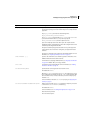
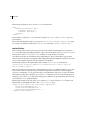
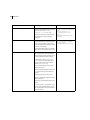
As part of developing and deploying an application, you must configure the following application authentication
settings:
•
•
Access roles to applications
•
Application server validation method
Resource protection
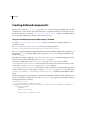
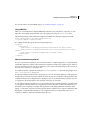
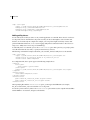
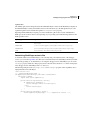
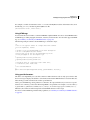
The web application’s deployment descriptor, web.xml, contains the settings for controlling application authentication. This file is stored in the web application’s WEB-INF directory.
Using authentication to control access to Flex applications
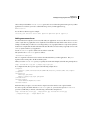
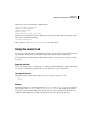
To use authentication to prevent unauthorized access to your Flex application, you typically use the container to
set up constraints on resources. You then challenge the user who then submits credentials. These credentials
determine the success or failure of the user’s login attempt, as the container’s authentication logic determines.
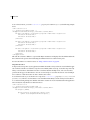
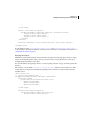
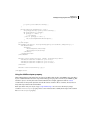
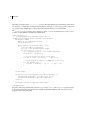
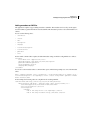
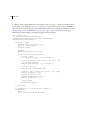
For example, you can protect the page that the Flex application is returned with, or protect the SWF file itself. You
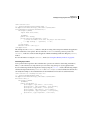
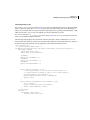
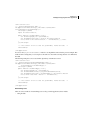
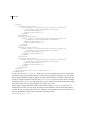
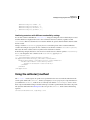
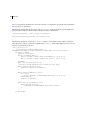
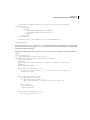
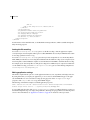
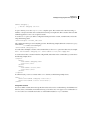
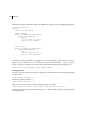
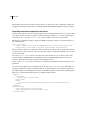
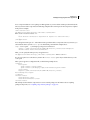
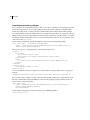
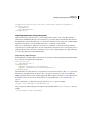
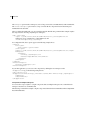
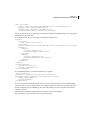
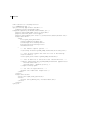
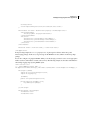
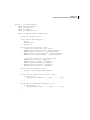
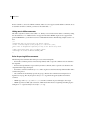
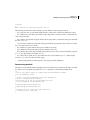
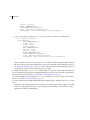
do this in the web.xml file by defining specific URL patterns, as the following example shows:
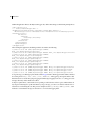
<web-app>
<security-constraint>
<web-resource-collection>
<web-resource-name>Payroll Application</web-resource-name>
<url-pattern>/payroll/*</url-pattern>
<http-method>GET</http-method>
<http-method>POST</http-method>
</web-resource-collection>