1
BMP91UG.book Page 67 Friday, October 14, 2011 7:56 PM
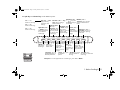
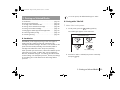
MENUS (Level 2)
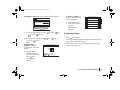
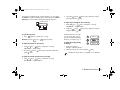
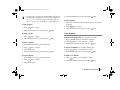
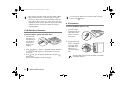
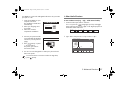
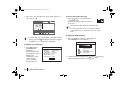
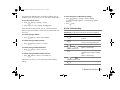
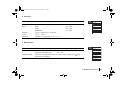
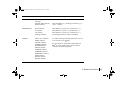
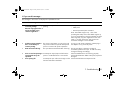
PREVIEW
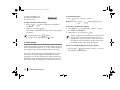
MENUS (Level 3) /“Options”
“Options” / Notes
“Current Tag”
“All Tags”
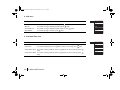
SPECIFIC TAGS submenu
ZOOM submenu
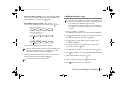
Start Tag (default “0”), End Tag, Increment By (“1”)
“50%” – “200%”
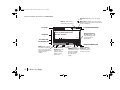
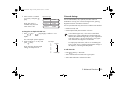
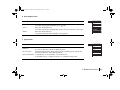
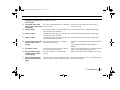
SERIALIZATION
0-999 submenu
a-z submenu
A-Z submenu
Paddings submenu
Start (default “0”), End (“0”), Increment by (“1”)
Start (default “a”), End (“z”), Increment by (“1”)
Start (default “A”), End (“Z”), Increment by (“1”)
Can be applied only to numeric serialization.
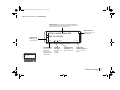
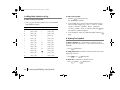
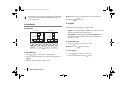
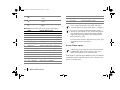
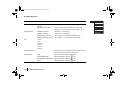
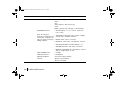
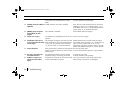
SYMBOL
LATIN 1 & 2 submenus
GREEK submenu
CYRILLIC submenu
GENERAL submenu
NUMBER submenu
BLOCKS submenu
JAPANESE submenu
CURRENCY submenu
BOPOMOFO submenu
UNITS submenu
SPECIAL submenu
ELECTRIC submenu
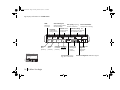
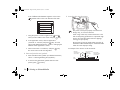
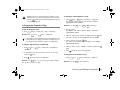
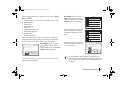
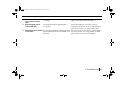
To confirm inserting a selected symbol at the current
cursor position, press OK [OK].
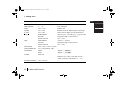
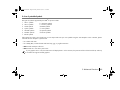
For more details on the symbols supported by the
BMP®91 printer, please refer to the next section
“Listing of all symbols supported”.
5. Advanced Functions
67