1
BMP91UG.book Page 2 Friday, October 14, 2011 7:56 PM
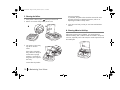
C. Do’s & Don’ts
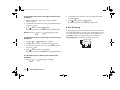
• Keep small children away from the consumables.
• Turn off the power switch before unplugging or plugging.
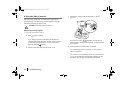
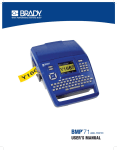
To ensure safe operation of your
the following safety precautions.
BMP®91
printer, please observe
DO
• Unplug the printer when cleaning or when not in use.
• Use only a 100-240V AC power supply, the AC adapter and
the cartridges designed for this printer. Otherwise, a fire,
electrical shock or printer failure could happen.
• Use only the USB cable supplied with the printer package.
Other USB cables may fail to enable printing from a PC.
• Handle the printer and the AC adapter with care.Protect the
printer and AC plug from humidity and dust. E.g. Place placing
the devices in a cool, dry place. Clean them periodically. Dust,
dirt, soot, etc that accumulate could absorb moisture, creating
an insulation fault that may cause a fire.
• Keep the area around the AC adapter clear so that the printer
can be unpluged quickly in an emergency.
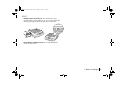
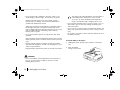
• Keep the area around the printer’s tube/label outlet clutter
free, i.e., prevent the tube/labels from accumulating there and
thus jamming the exit.
English
2 1. Before You Begin
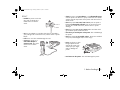
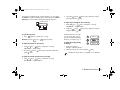
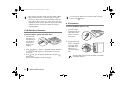
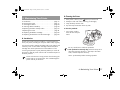
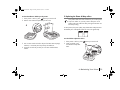
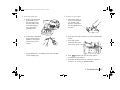
• Hold the plug (not the cord) and push it firmly into the outlet.
• Hold the printer handle securely.
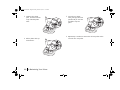
If there is thunder, unplug the printer. Otherwise, a fire,
electric shock or printer failure could happen.
DON’T
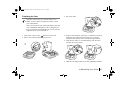
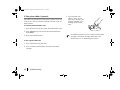
• Leave the printer unused for a long time.
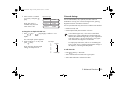
• Continue to use the
printer if an
abnormality develops,
e.g. when smoke or an
unusual odor appears.
Unplug the printer and
contact your nearest
dealer at once.