1
BMP91UG.book Page 25 Friday, October 14, 2011 7:56 PM
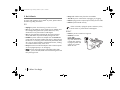
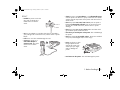
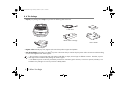
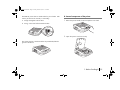
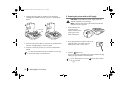
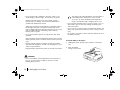
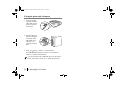
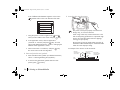
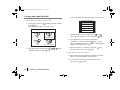
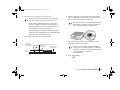
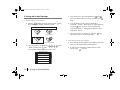
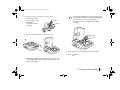
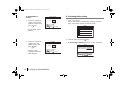
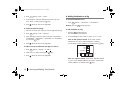
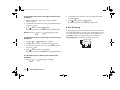
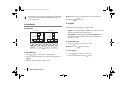
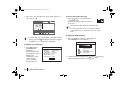
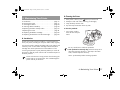
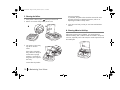
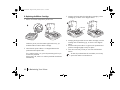
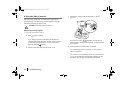
a. From the printer’s right side, insert the tube into the larger
media inlet (see the next figure). Keep pushing the tube in
until you cannot push it any further.
If auto-loading fails, an error message will appear on screen.
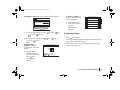
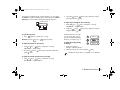
To load the tube manually:
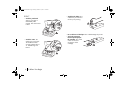
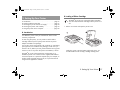
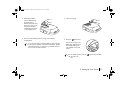
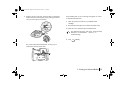
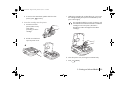
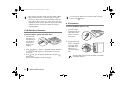
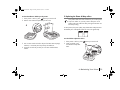
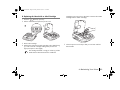
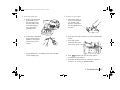
i) Open the printer and remove any installed media
cartridge.
ii) Push the tube manually until it reaches the platen roller.
iii) Close the cover and let the printer load the tube.
IFor detailed instructions, refer to the “If the externally
fed tube is not autoloaded…” section in “7.
Troubleshooting”.
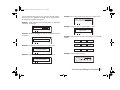
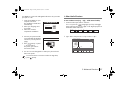
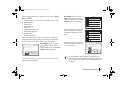
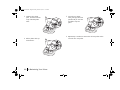
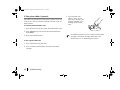
b. Press
PRINT
[PRINT].
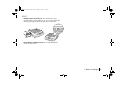
The printer should autoload the tube, moving it up to
somewhere near the platen roller.
3. Printing on Selected Media
25