1
Scanner Settings
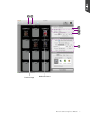
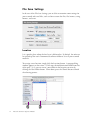
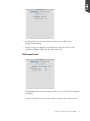
Scanner Settings section let you specify scanning requirements in the ScanPotter
control panel once ScanPotter is launched.
Scan Source
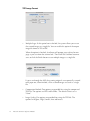
Depending on the scanner model you are using, you should see different groups
of Scan Source. If you are using a scanner with a built-in ADF and a glass
scanner bed, the Scan Source you see will let you select image input device, such
as Automatic, ADF and Flatbed. When you select the "Automatic" as your scan
source, the scanner will scan from the ADF if the system detects papers on the
ADF; otherwise, it will scan from the scan bed.
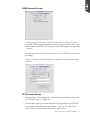
On the other hand, if your scanner equipped with only a glass scanner bed, the
Scan Source you see will let you select scanned materials. For example, if you
are using the ScanMaker i800XL Plus, you can select either Reflective, Positive
Film or Negative Film as your scan source depending on which kinds of
materials you use to scan.
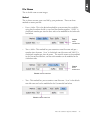
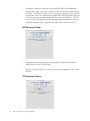
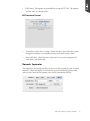
To select a scan source, click the drop-down menu in the Scan Source option
and point the mouse (cursor) to the option desired.
Microtek ScanPotter Reference Manual
17