1
GETTING READY
TO TAKE
PICTURES
3.
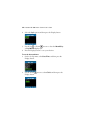
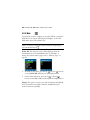
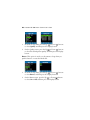
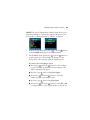
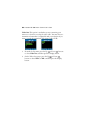
Use the Up
or Down
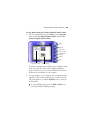
buttons to set the correct hour
(using a 24-hour clock). When finished, press the Copy
button
to move to the minutes area.
4.
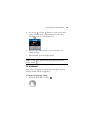
Repeat the procedure in Step 3 to set the minutes, year,
month, and day.
5.
When finished, press the Display button.
Note: To exit at any time without saving changes, press the
Delete button.
SET THE LANGUAGE
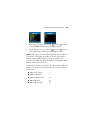
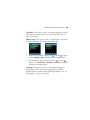
Your camera can display text and messages in English, Spanish,
German, French, Italian, and Japanese.
To change the language setting:
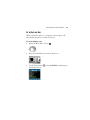
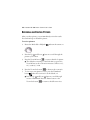
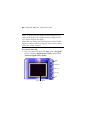
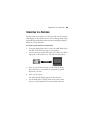
1. Rotate the Mode dial to Set Up.
13