1
SISTORE MX RemoteView
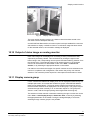
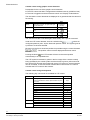
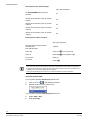
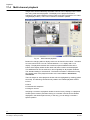
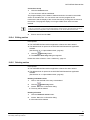
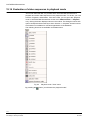
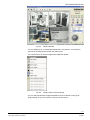
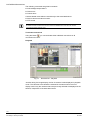
Display event view window in full screen format
Prerequisite:
z No site plan is opened.
z An event has occurred (e.g. motion detected).
Î
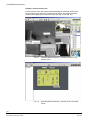
The camera picture of the channel on which the event occurred will be displayed
automatically in full screen format on the second monitor.
NOTE
When the preset alarm and post-alarm time has expired the camera image will be blanked.
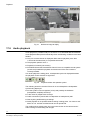
Display live image in full screen format
Prerequisite:
z No site plan is opened.
z The event window is not activated.
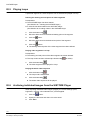
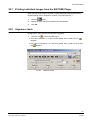
1.
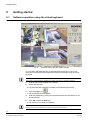
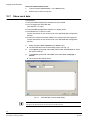
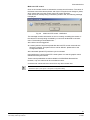
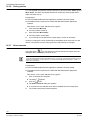
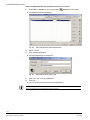
Double click the left mouse button on the corresponding camera window in
the display area.
-ORRight-click on das corresponding camera window in the display area.
Î
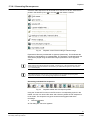
2.
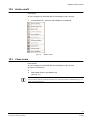
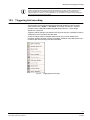
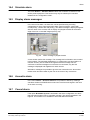
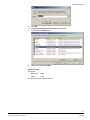
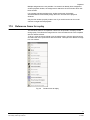
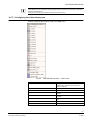
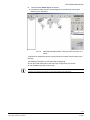
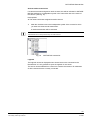
A context menu will open.
Select Full screen in the context menu.
Î
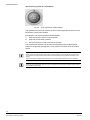
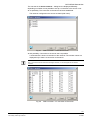
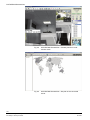
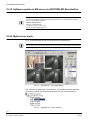
The camera picture will be displayed in full screen format on the second
monitor.
NOTE
If the second monitor is not available for whatever reason, the camera pictures will be displayed on the
first monitor.
105
Siemens Building Technologies
Fire Safety & Security Products
01.2008