1
Digitronic
Automationsanlagen GmbH
Digital Cam Switch Unit
CamCon DC300
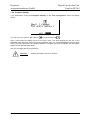
7.3. Cam programming
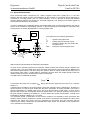
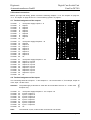
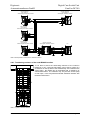
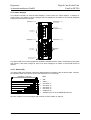
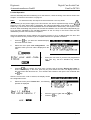
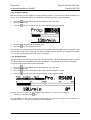
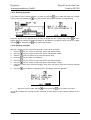
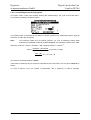
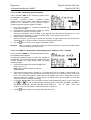
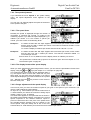
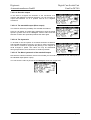
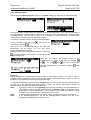
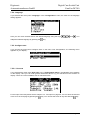
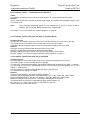
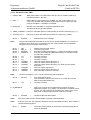
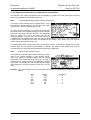
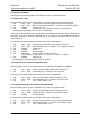
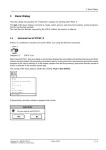
To get to the actual cam programming select "Cam programming" in the main menu. The display
switches to the programming menu:
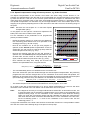
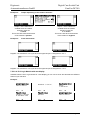
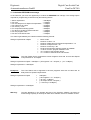
The upper part shows the current actual position, the switched state of the selected output and the
chosen program. The lower part displays an output with programmed cams and their activation and
their deactivation points. If no input is made within two minutes the CamCon automatically returns to
the main menu for reasons of safety.
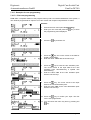
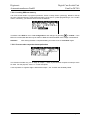
7.3.1. Output selection for programming
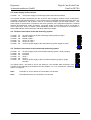
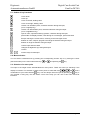
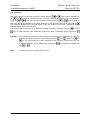
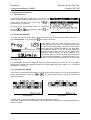
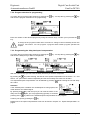
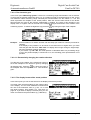
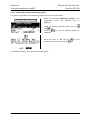
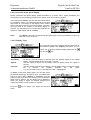
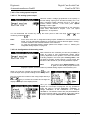
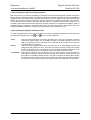
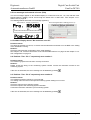
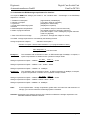
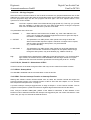
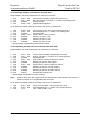
You can select the desired output by pressing the
By pressing the
and
keys.
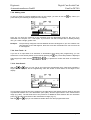
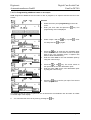
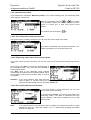
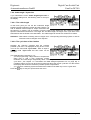
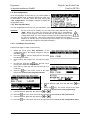
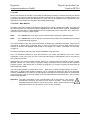
key you reach the direct input of the output number.
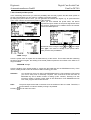
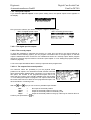
With the numeric keys you can select the number of the output you want to select. Confirm your
selection with the
Version: 25.02.2014
key.
Page: 35