1
iR6570_CMB_Upgrade_ENG_Post_Final.book Page 17 Tuesday, May 24, 2005 12:12 PM
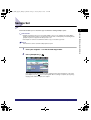
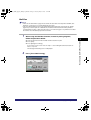
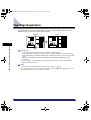
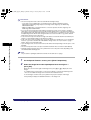
NOTE
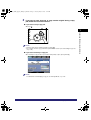
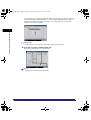
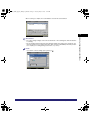
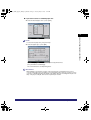
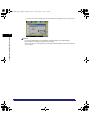
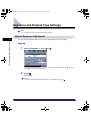
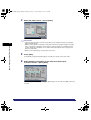
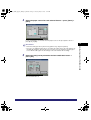
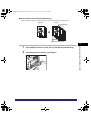
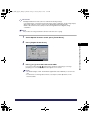
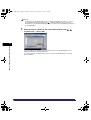
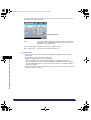
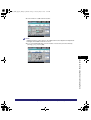
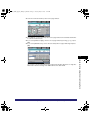
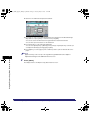
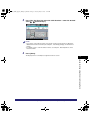
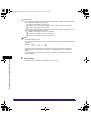
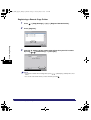
• If you want to enter values in inches, press [Inch]. Set the inch entry function to [On] in the
Additional Functions beforehand. (See Chapter 4, "Customizing Settings," in the Reference
Guide.)
• For details on how to enter the values in inches, see Chapter 2, "Basic Operation," in the
Reference Guide.
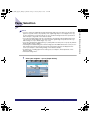
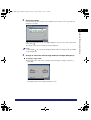
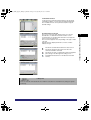
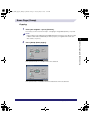
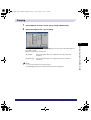
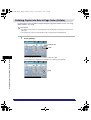
4
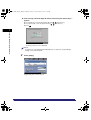
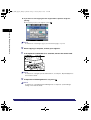
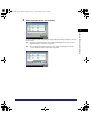
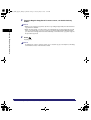
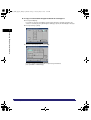
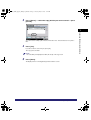
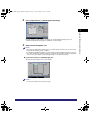
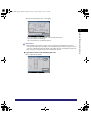
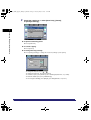
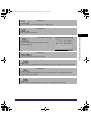
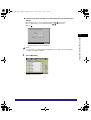
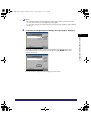
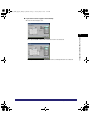
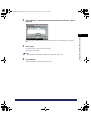
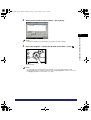
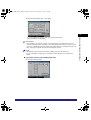
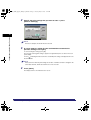
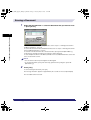
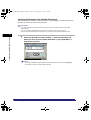
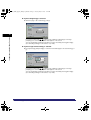
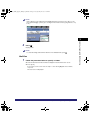
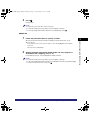
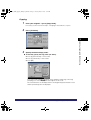
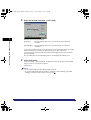
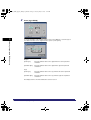
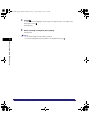
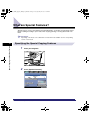
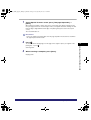
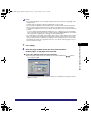
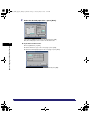
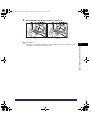
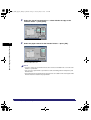
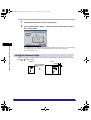
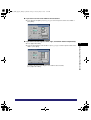
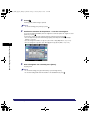
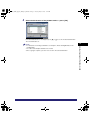
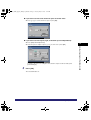
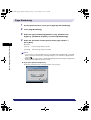
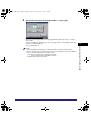
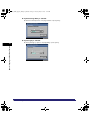
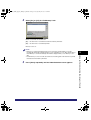
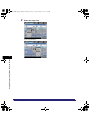
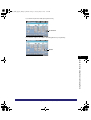
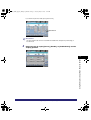
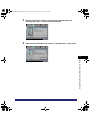
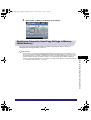
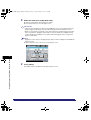
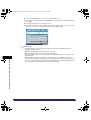
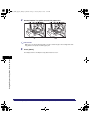
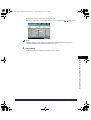
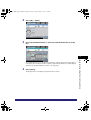
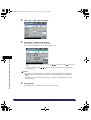
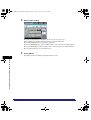
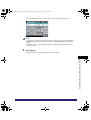
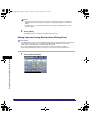
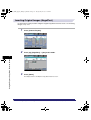
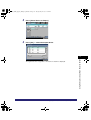
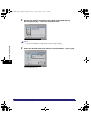
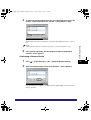
Press [Done].
The display returns to the Express Copy Basic Features screen.
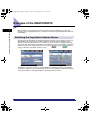
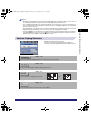
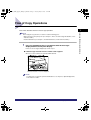
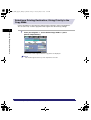
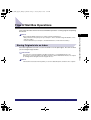
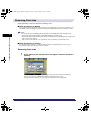
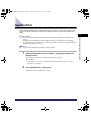
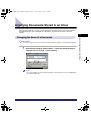
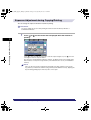
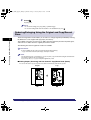
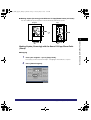
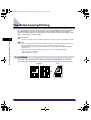
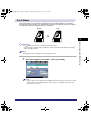
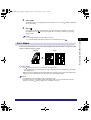
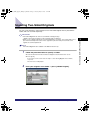
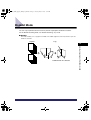
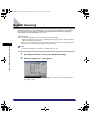
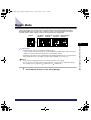
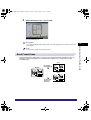
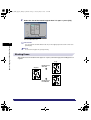
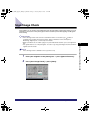
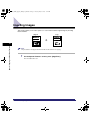
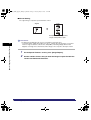
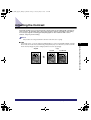
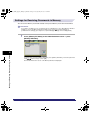
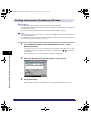
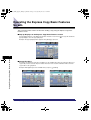
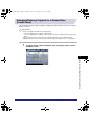
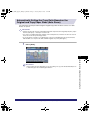
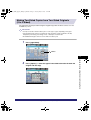
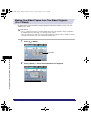
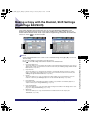
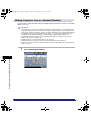
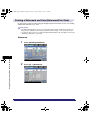
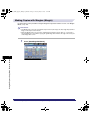
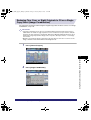
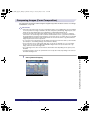
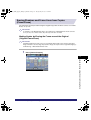
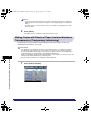
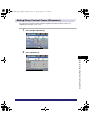
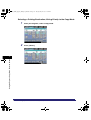
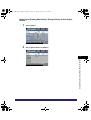
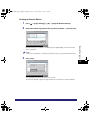
Enlarging/Reducing Originals with Copy Ratios Set
Independently for the X and Y Axes (XY Zoom)
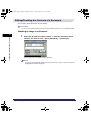
For instructions on this procedure using the Regular Copy Basic Features screen, see "Making
Copies (Scanning) with Different XY Copy/Zoom Ratios (XY Zoom)," on p. 3-22.
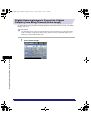
IMPORTANT
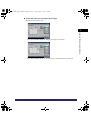
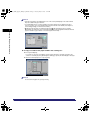
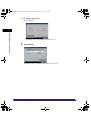
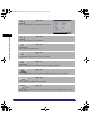
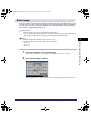
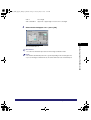
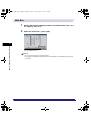
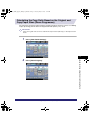
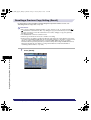
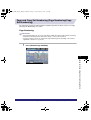
1
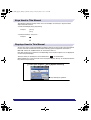
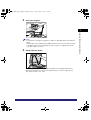
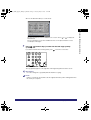
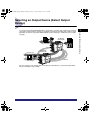
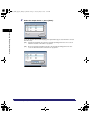
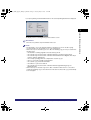
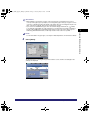
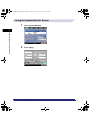
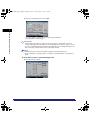
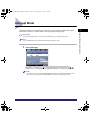
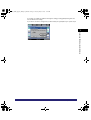
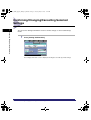
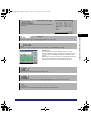
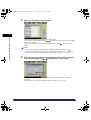
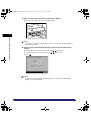
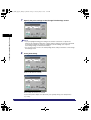
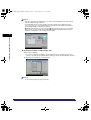
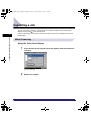
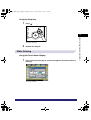
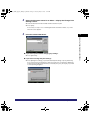
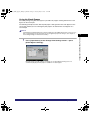
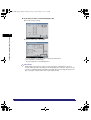
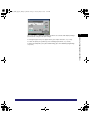
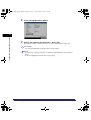
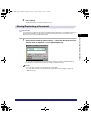
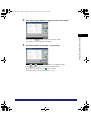
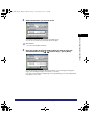
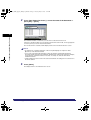
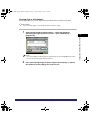
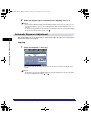
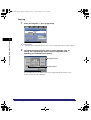
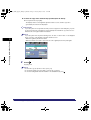
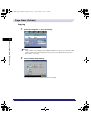
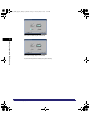
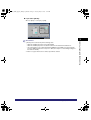
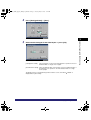
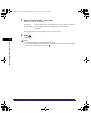
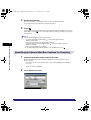
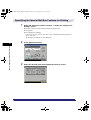
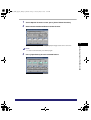
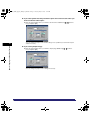
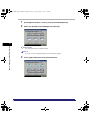
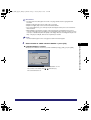
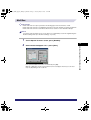
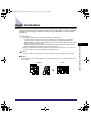
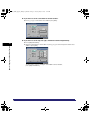
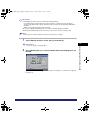
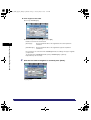
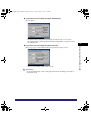
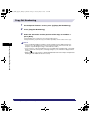
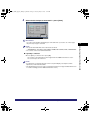
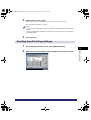
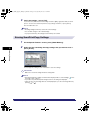
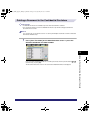
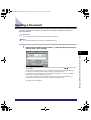
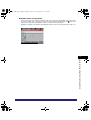
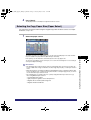
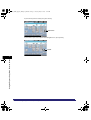
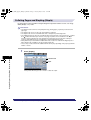
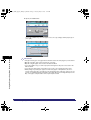
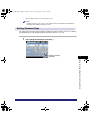
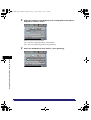
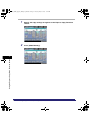
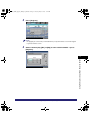
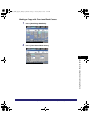
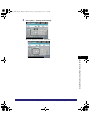
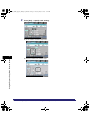
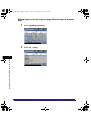
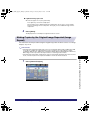
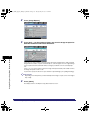
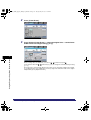
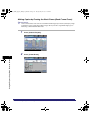
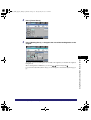
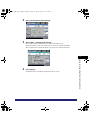
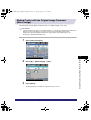
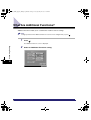
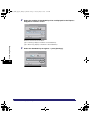
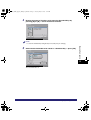
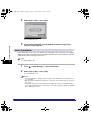
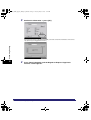
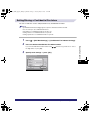
Press [Other Ratio Settings].
Making a Copy With the Express Copy Basic Features Screen
7-17
7
Using the Express Copy Basic Features Screen
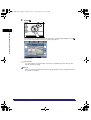
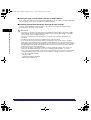
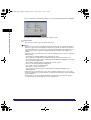
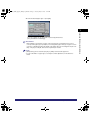
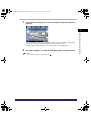
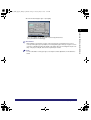
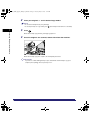
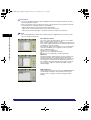
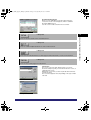
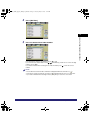
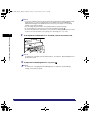
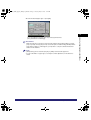
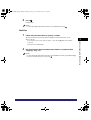
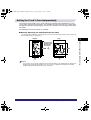
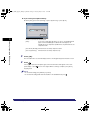
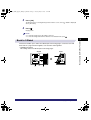
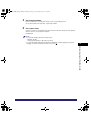
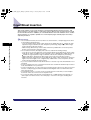
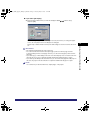
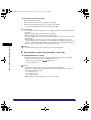
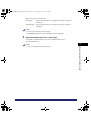
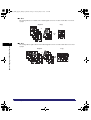
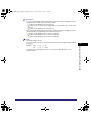
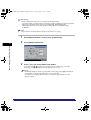
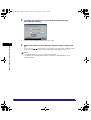
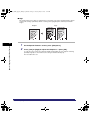
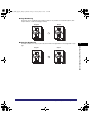
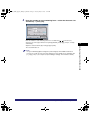
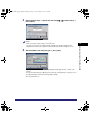
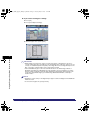
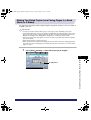
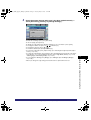
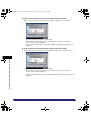
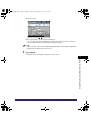
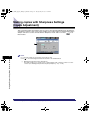
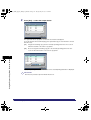
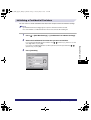
• The Auto XY Zoom mode cannot be used with the Automatic Paper Selection, Paper Insertion (Tab
Paper), Image Repeat (Automatic Setting), or Tab Paper Creation modes.
• You cannot copy highly transparent originals, such as transparencies, in the Auto XY Zoom mode.
To make such copies, specify the copy ratio.
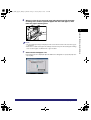
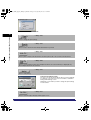
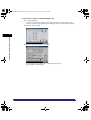
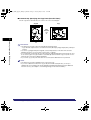
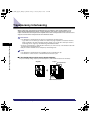
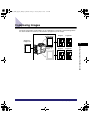
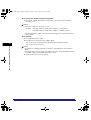
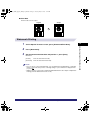
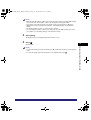
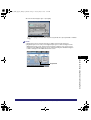
• If you set the Auto XY Zoom mode, select the paper size using Manual Paper Selection. If you do not
select the paper size, the copy ratio is automatically set to the size of the paper loaded in Paper Drawer
1.
• When you set the copy ratio in Auto XY Zoom mode, Auto Orientation is not performed.