1
iR6570_CMB_Upgrade_ENG_Post_Final.book Page 48 Tuesday, May 24, 2005 12:12 PM
2
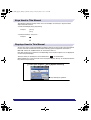
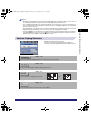
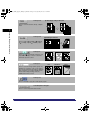
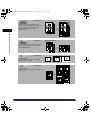
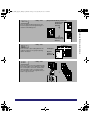
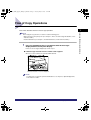
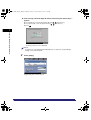
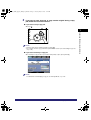
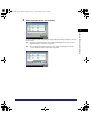
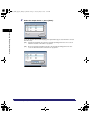
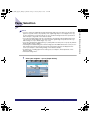
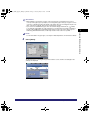
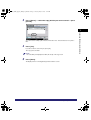
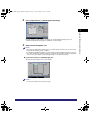
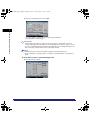
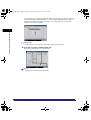
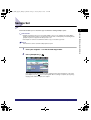
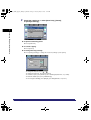
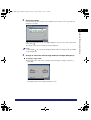
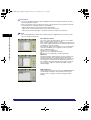
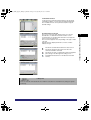
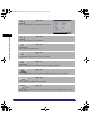
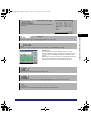
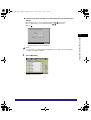
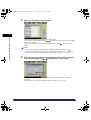
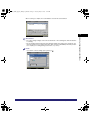
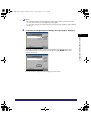
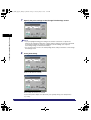
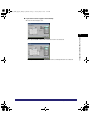
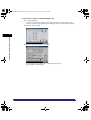
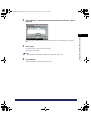
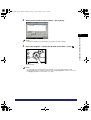
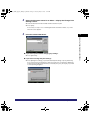
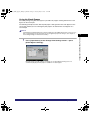
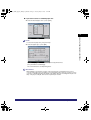
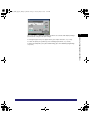
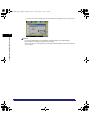
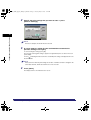
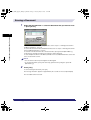
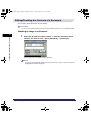
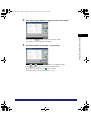
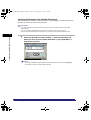
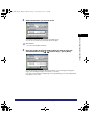
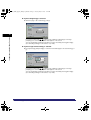
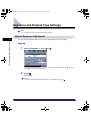
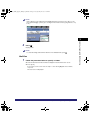
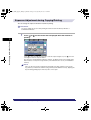
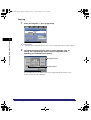
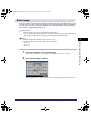
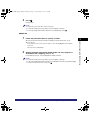
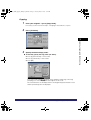
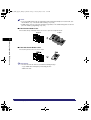
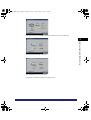
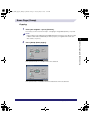
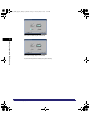
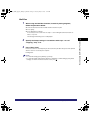
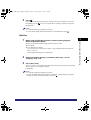
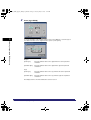
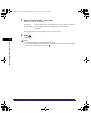
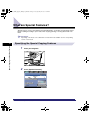
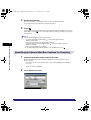
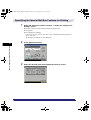
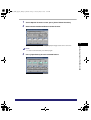
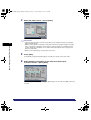
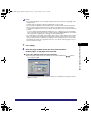
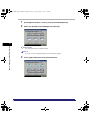
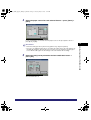
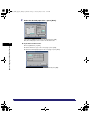
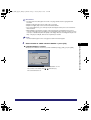
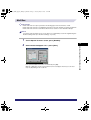
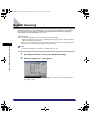
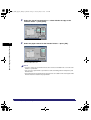
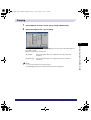
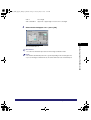
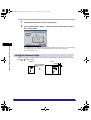
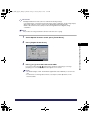
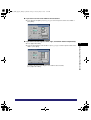
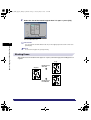
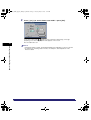
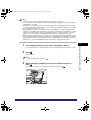
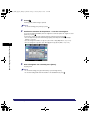
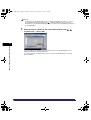
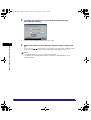
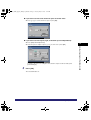
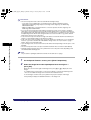
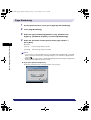
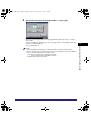
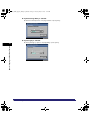
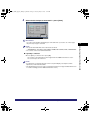
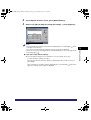
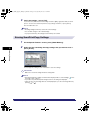
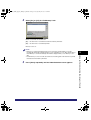
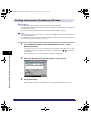
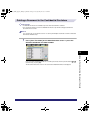
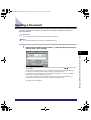
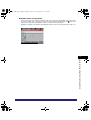
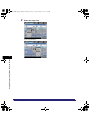
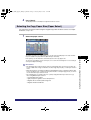
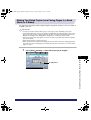
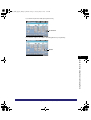
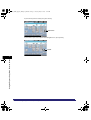
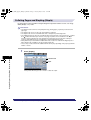
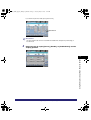
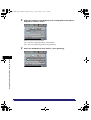
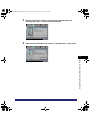
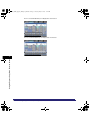
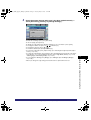
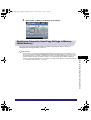
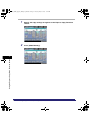
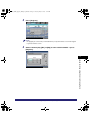
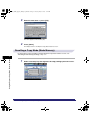
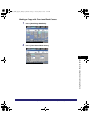
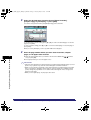
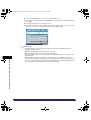
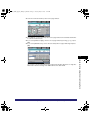
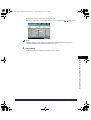
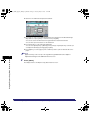
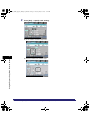
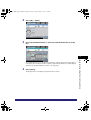
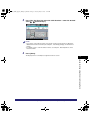
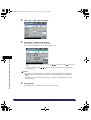
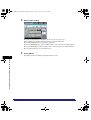
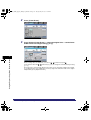
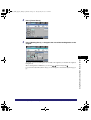
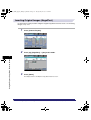
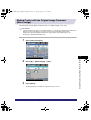
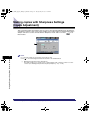
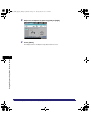
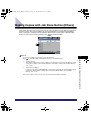
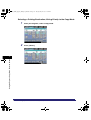
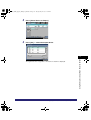
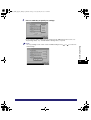
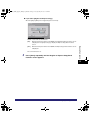
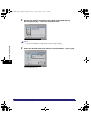
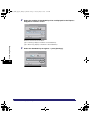
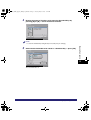
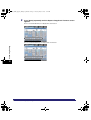
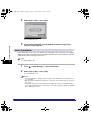
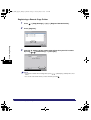
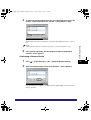
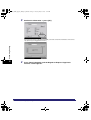
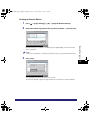
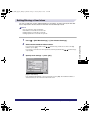
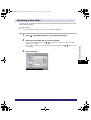
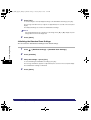
Select the desired paper size.
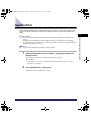
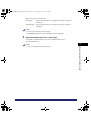
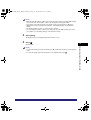
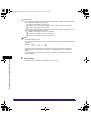
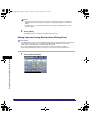
NOTE
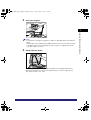
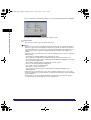
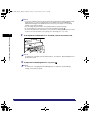
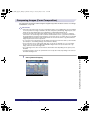
• If you select [Tracing Paper], [Transparency], or [Labels], make sure that you do not specify any
Finisher modes (Collate, Group, or Staple).
• If Stack Bypass Standard Settings in Common Settings (from the Additional Functions screen) is
set to 'On', and the paper size/type have been stored, the selected paper size/type are displayed
on the screen. (See Chapter 4, "Customizing Settings," in the Reference Guide.)
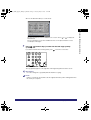
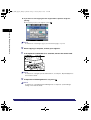
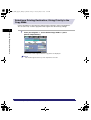
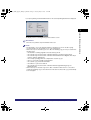
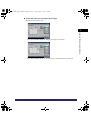
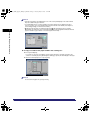
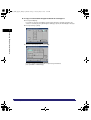
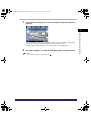
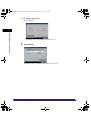
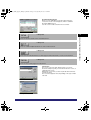
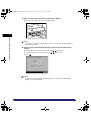
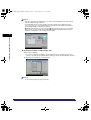
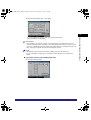
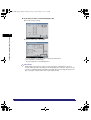
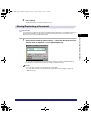
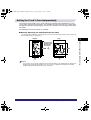
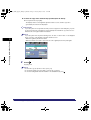
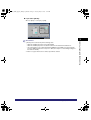
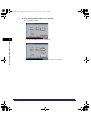
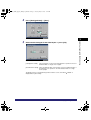
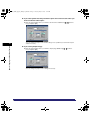
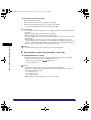
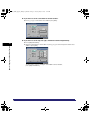
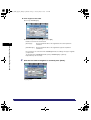
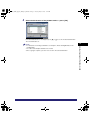
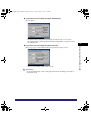
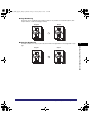
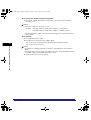
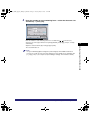
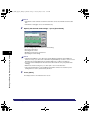
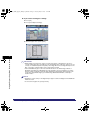
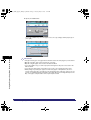
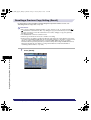
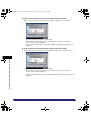
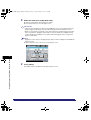
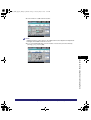
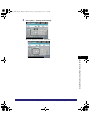
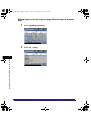
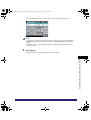
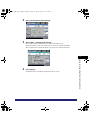
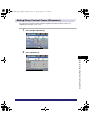
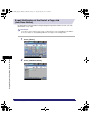
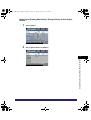
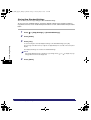
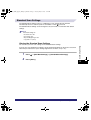
● If you want to select a standard paper size:
2
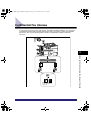
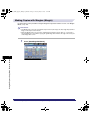
Introduction to the Mail Box Functions
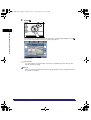
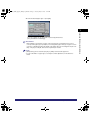
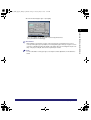
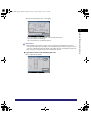
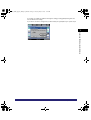
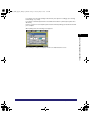
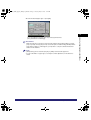
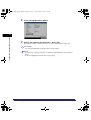
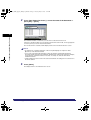
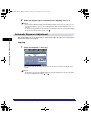
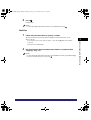
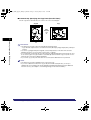
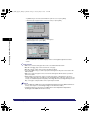
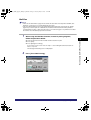
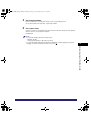
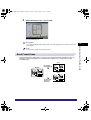
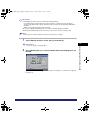
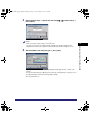
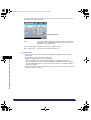
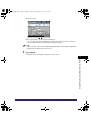
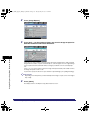
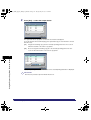
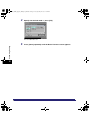
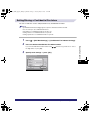
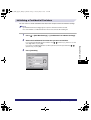
❑ Select the desired paper size ➞ press [Next].
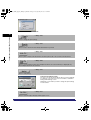
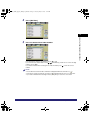
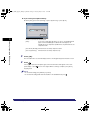
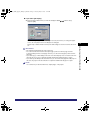
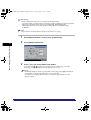
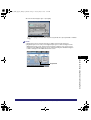
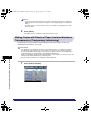
NOTE
To select an inch paper size, press [Inch-size].
2-48
Reserving Jobs