1
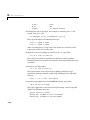
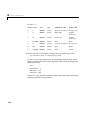
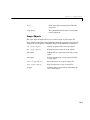
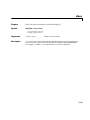
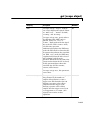
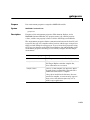
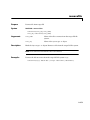
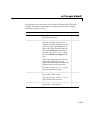
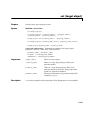
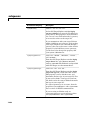
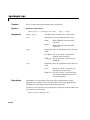
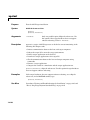
set (target object)
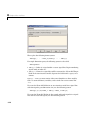
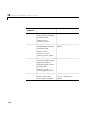
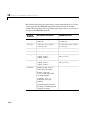
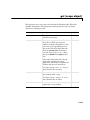
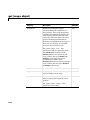
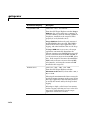
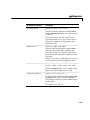
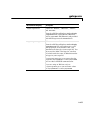
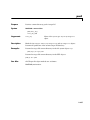
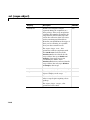
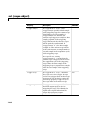
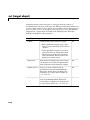
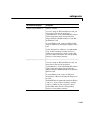
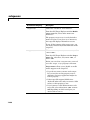
Property
Description
Writable
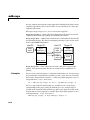
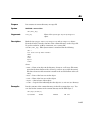
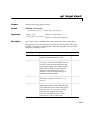
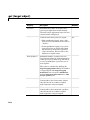
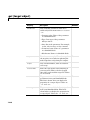
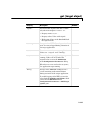
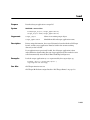
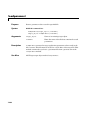
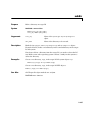
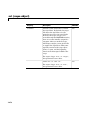
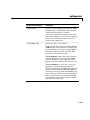
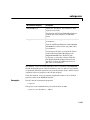
StopTime
Time when the target application stops
running. Values are in seconds. The
original value is set in the Simulation
menu Configuration Parameters dialog.
Yes
When the ExecTime reaches the StopTime,
the application stops running.
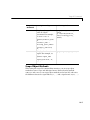
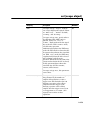
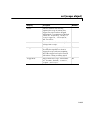
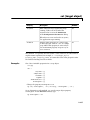
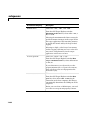
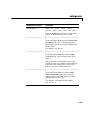
ViewMode
Display either all scopes or a single scope
on the target PC. Value is 'all' or a single
scope index. This property is active only if
the environment property TargetScope is
set to enabled.
Yes
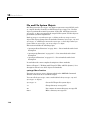
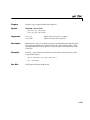
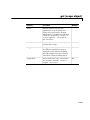
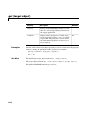
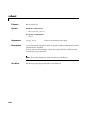
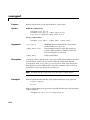
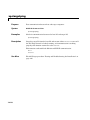
The function set typically does not return a value. However, if called with an
explicit return argument, for example, a = set(target_object,
property_name, property_value), it returns the value of the properties after
the indicated settings have been made.
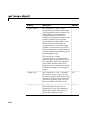
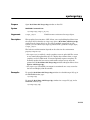
Examples
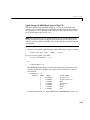
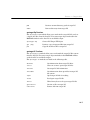
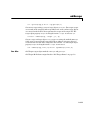
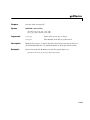
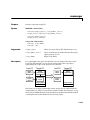
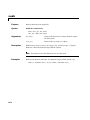
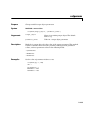
Get a list of writable properties for a scope object.
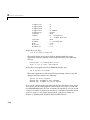
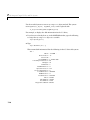
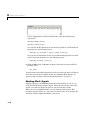
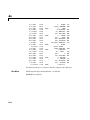
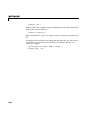
set(tg)
ans =
StopTime:
SampleTime:
ViewMode:
LogMode:
ShowParameters:
ShowSignals:
{}
{}
{}
{}
{}
{}
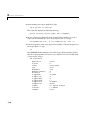
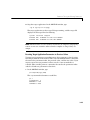
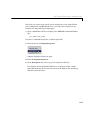
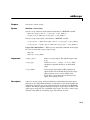
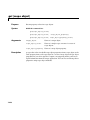
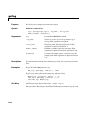
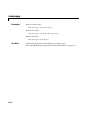
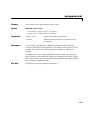
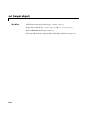
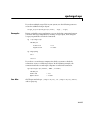
Change the property ShowSignals to on.
tg.set('showsignals', 'on') or set(tg, 'showsignals', 'on')
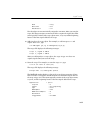
As an alternative to the method set, use the target object property
ShowSignals. In the MATLAB window, type
tg.showsignals ='on'
14-87