1
3
Signals and Parameters
Signal Tracing with MATLAB
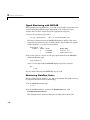
Creating a scope object allows you to select and view signals using the scope
methods. This section describes how to trace signals using xPC Target
functions instead of using the xPC Target graphical user interface. This
procedure assumes that you have assigned tg to the appropriate target PC.
After you create and download the target application, you can view output
signals.
Using the MATLAB interface, you can trace signals with
• Host or target scopes (see “Signal Tracing with MATLAB and Scopes of Type
Target” on page 3-26 for a description of signal tracing with target scopes)
• Scopes of type file (see “Signal Tracing with MATLAB and Scopes of Type
File” on page 3-29)
You must stop the scope before adding or removing signals from the scope.
Signal Tracing with MATLAB and Scopes of Type Target
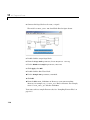
This procedure uses the Simulink model xpcosc.mdl as an example, and
assumes you have built the target application for this model. It describes how
to trace signals with target scopes.
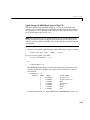
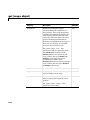
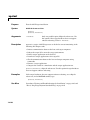
1 Start running your target application. Type any of
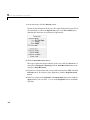
+tg or tg.start or start(tg)
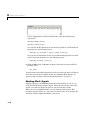
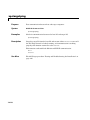
The target PC displays the following message.
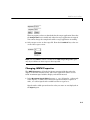
System: execution started (sample time: 0.0000250)
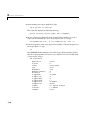
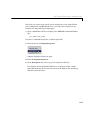
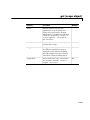
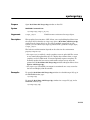
2 To get a list of signals, type either
set(tg, 'ShowSignals', 'on')
or
tg.ShowSignals='on'
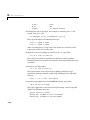
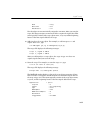
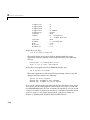
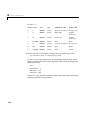
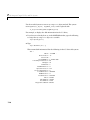
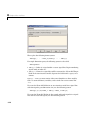
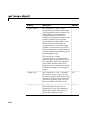
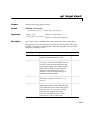
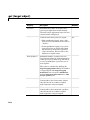
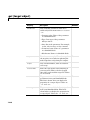
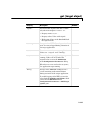
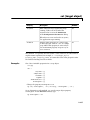
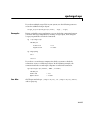
The MATLAB window displays a list of the target object properties for the
available signals. For example, the signals for the model xpcosc.mdl are as
follows:
3-26