1
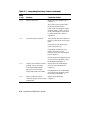
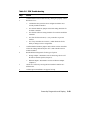
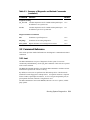
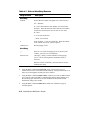
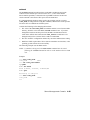
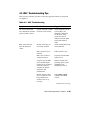
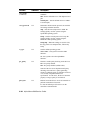
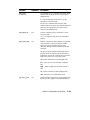
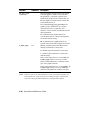
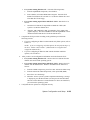
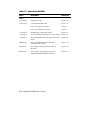
Table 2-8 EISA Troubleshooting
Step
Action
1
Confirm that the EISA module and any cabling are properly seated.
2
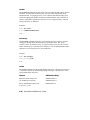
Run the ECU to:
•
Confirm that the system has been configured with the most
recently installed controller.
•
See what the hardware jumper and switch setting should be for
each ISA controller.
•
See what the software setting should be for each ISA and EISA
controller.
•
See if the ECU deactivated (<>) any controllers to prevent
conflict.
See if any controllers are locked (!), which limits the ECU's
ability to change resource assignments.
•
3
Confirm that the hardware jumpers and switches on ISA controllers
reflect the settings indicated by the ECU. Start with the last ISA
module installed.
4
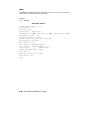
Run ROM-based diagnostics for the type of option:
•
Storage adapter—Run test to exercise the storage devices off
the EISA controller option (Chapter 3).
•
Ethernet adapter—Run test to exercise an Ethernet adapter
(Chapter 3).
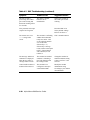
5
Check for a bad slot by moving the last installed controller to a
different slot.
6
Call the option manufacturer or support for help.
Power-Up Diagnostics and Display
2-21