1
___________________________________________________17
3.7 Channels do not play from channel list
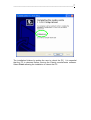
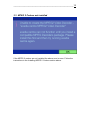
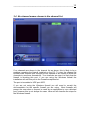
To view video from the channels the avediaCentre application requires access
to the video streamed to it over the network interface. If no video is seen on
any of the channels as shown above it is likely that the firewall installed on the
PC is preventing avediaCentre from receiving this data over the network
interface.
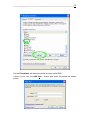
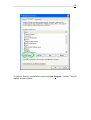
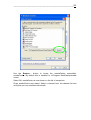
To allow avediaCentre to view the video streams received over the network
interface an exception should be added to the firewall for avediaCentre. If you
are not using the windows firewall you will need to consult the documentation
for the specific firewall you are using. Most firewalls will prompt the user when
a request is made by an application to use a blocked port, however this is not
always the case.
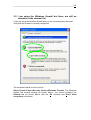
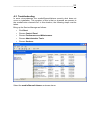
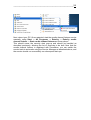
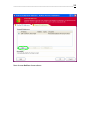
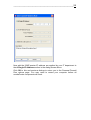
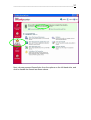
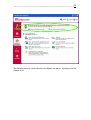
If you are using the windows firewall and you are not seeing/hearing any
video/radio, verify that the firewall is correctly configured.