1
Swapping Position: EAS Single-Antenna ONLY
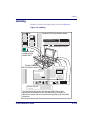
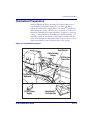
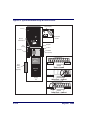
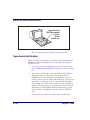
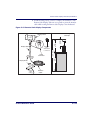
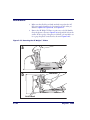
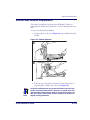
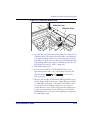
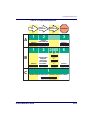
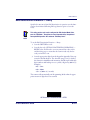
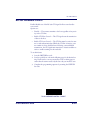
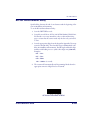
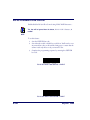
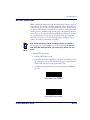
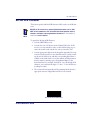
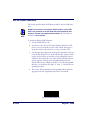
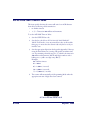
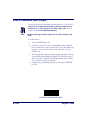
The EAS Antenna must be located in the position needed for your installation. Reference Figure 2-18 and. Locate it as described below:
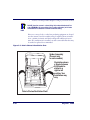
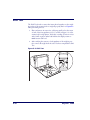
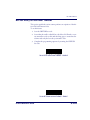
1. Remove the platter (see Figure 2-22).
2. If the unit is a model containing a scale, and the scale assembly is
determined to be in the position the EAS Single-Antenna should be
with regard to product flow, proceed to the next step. Otherwise,
skip to step 7.
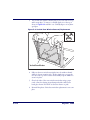
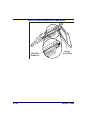
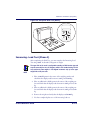
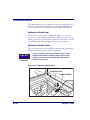
3. Remove the screws that fasten the Load Cell/Spider Assembly to the
scanner (see Figure 2-18) and carefully lift the entire assembly from
the scanner cavity. Retain the screws for re-installation.
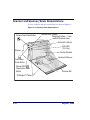
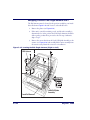
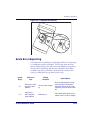
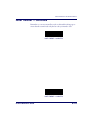
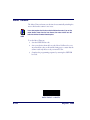
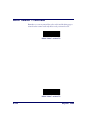
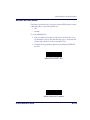
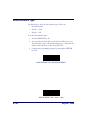
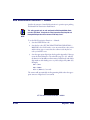
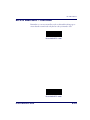
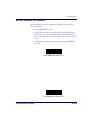
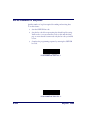
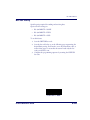
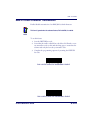
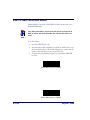
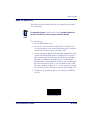
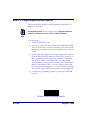
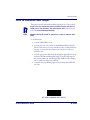
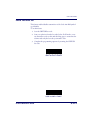
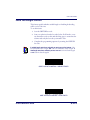
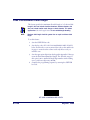
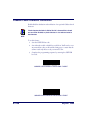
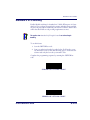
Figure 2-18. Locating the EAS Single-Antenna (Right-to-Left)
EAS Antenna
Product Flow
Load Cell/Spider
Assembly
Load Cell Harness
2-34
Magellan® 9500