1
_FO-D60A_English_E4432.book
Page 137
Thursday, February 19, 2004
1:42 PM
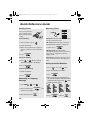
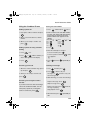
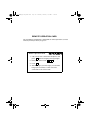
Quick Reference Guide
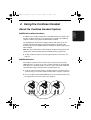
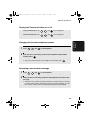
Using the Cordless Phone
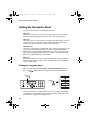
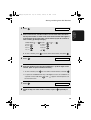
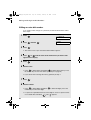
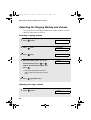
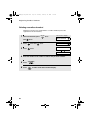
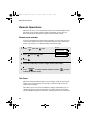
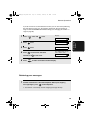
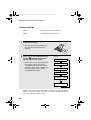
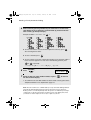
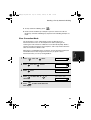
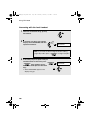
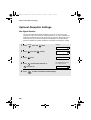
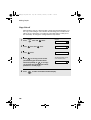
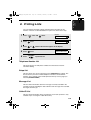
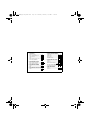
Storing auto dial numbers
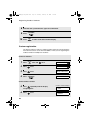
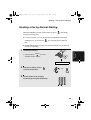
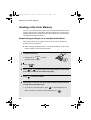
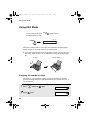
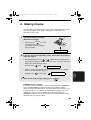
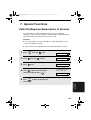
Making a phone call
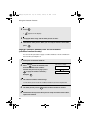
1. Press
1. Pick up the cordless handset and press
2. Enter a name for the auto-dial number.
.
2. When you hear the dial tone, dial the
number.
3. When you are ready to end the call,
press
.
and then press
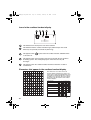
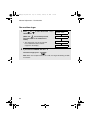
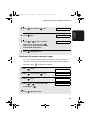
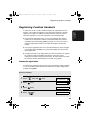
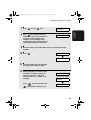
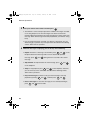
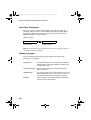
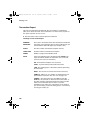
To enter each letter, hold down the key
for the letter as shown in the chart
below until the letter appears in the
display.
SPACE, PAUSE (
), - =
A, B, C =
1. Press
once.
M, N, O =
#(
), ?, _ =
P, Q, R, S =
D, E, F =
T, U, V =
G, H, I =
W, X, Y, Z =
=
J, K, L =
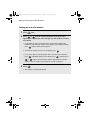
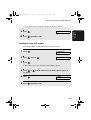
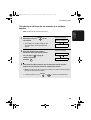
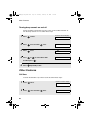
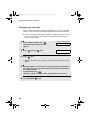
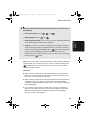
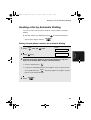
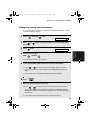
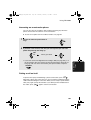
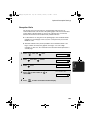
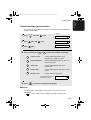
Making a phone call using automatic
dialling
twice.
3. Press
.
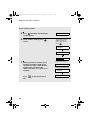
4. Enter the full fax/phone number.
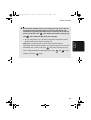
To clear a mistake, press
.
until
To insert a pause, hold down
2.Press
or
until the number you
wish to dial appears in the display.
3. Press
“
” appears.
5. Press
.
and then
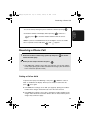
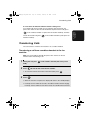
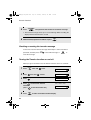
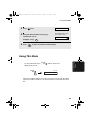
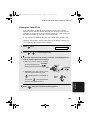
Receiving a phone call
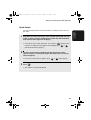
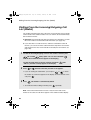
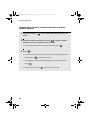
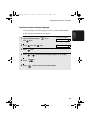
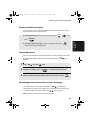
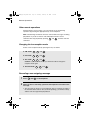
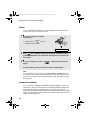
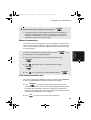
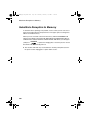
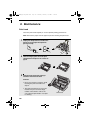
Listening to messages
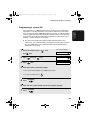
1. When the cordless handset rings, pick it
1. Press
up and press
repeatedly to
exit.
.
2. Press
and then press
to listen to all your
2. When you are ready to end the call,
messages, or
press
new messages.
.
.
to listen to only your
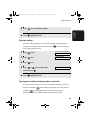
3. While listening, you can do the following:
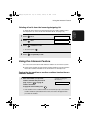
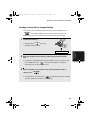
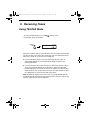
Receiving a fax using the cordless
handset
Repeat a message: Press
.
Skip a message: Press
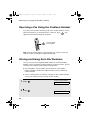
If you hear a fax tone after answering a
call on the cordless handset, or if the
other party speaks to you and then
Delete a message: Press
wants to send a fax, press
Stop playback: Press
.
.
while the
message is playing.
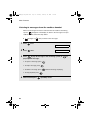
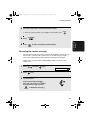
4 When finished, press
.
repeatedly to
exit.
137