1
_FO-D60A_English_E4432.book
Page 69
Thursday, February 19, 2004
1:42 PM
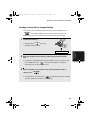
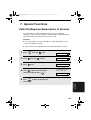
Optional Answering System Settings
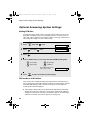
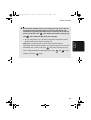
♦ NO (do not switch to FAX mode): The machine will answer after 20 rings,
after which it will wait to receive a remote command. Most callers will hang
up before it answers; however, when you call the machine from a remote
location, you can wait until it answers, listen to your messages, and then
erase them (see Remote Operations on page 74).
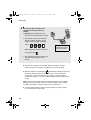
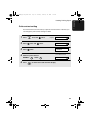
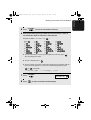
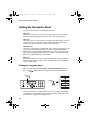
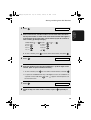
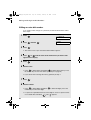
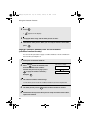
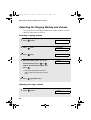
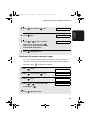
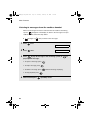
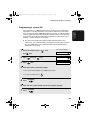
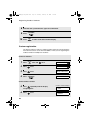
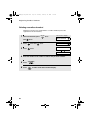
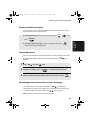
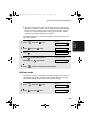
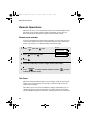
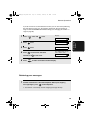
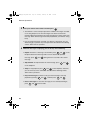
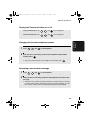
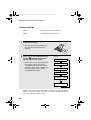
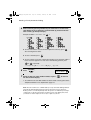
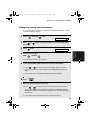
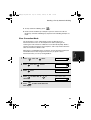
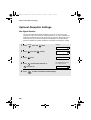
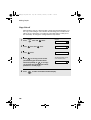
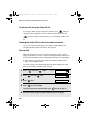
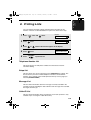
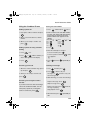
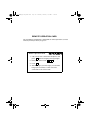
The initial setting is NO . If you want to change the setting to YES, press the
panel keys as follows:
Press
FUNCTION
once and
once.
Display:
3. Answering
Machine
1
A.M. SETTING
2
Press
once and
3
Press
.
4
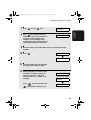
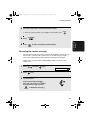
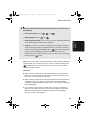
Press
1
Press
ON A.M. FAILURE
1=YES, 2=NO
to select YES (switch to
FAX mode), or
5
twice.
STOP
2
to select NO.
The display briefly shows
your selection, then:
OGM ONLY MODE
to return to the date and time display.
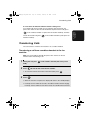
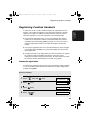
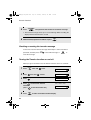
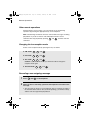
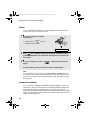
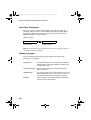
OGM only mode
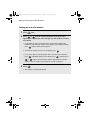
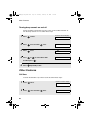
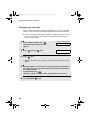
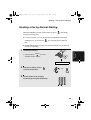
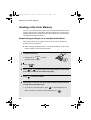
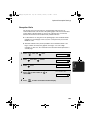
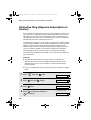
If needed, you can turn off recording of incoming messages. In this case, your
outgoing message will play, but callers will not be able to leave a message.
(The machine will still receive faxes sent by automatic dialling.)
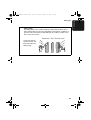
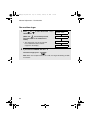
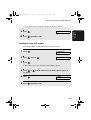
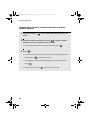
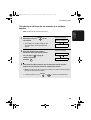
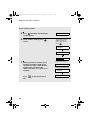
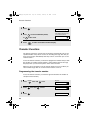
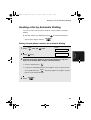
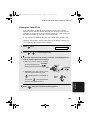
1
Press
FUNCTION
Display:
once and
once.
A.M. SETTING
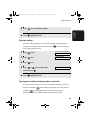
2
Press
once and
once.
OGM ONLY MODE
69