1
_FO-D60A_English_E4432.book
Page 20
Thursday, February 19, 2004
1:42 PM
Setting Up
About condensation
If the machine is moved from a cold to a warm place, it is possible that
condensation may form on the scanning glass, preventing proper scanning of
documents for transmission. To remove the condensation, turn on the power and
wait approximately two hours before using the machine.
Extension phone (optional)
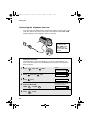
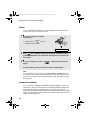
If desired, you can connect an extension phone to the TEL. SET socket on the
fax.
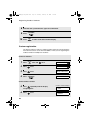
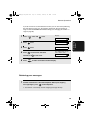
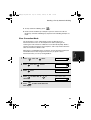
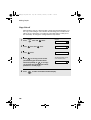
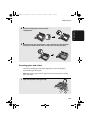
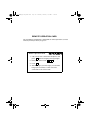
1
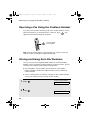
Remove the seal covering the TEL.
SET socket.
TE
L.S
ET
TE
L.L
INE
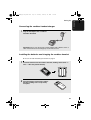
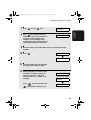
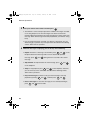
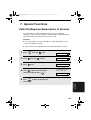
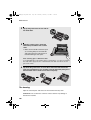
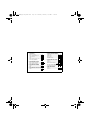
2
Connect the extension phone line to
the TEL. SET socket.
TE
L.S
ET
TE
L.L
INE
20