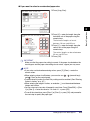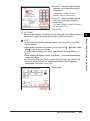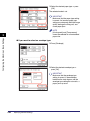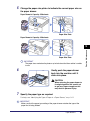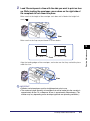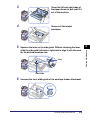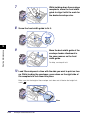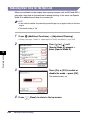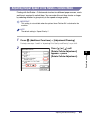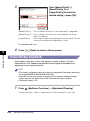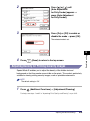
1
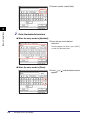
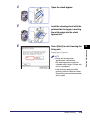
2
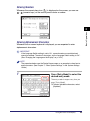
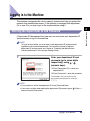
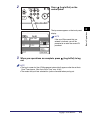
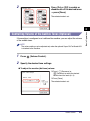
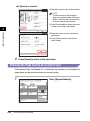
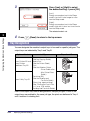
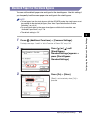
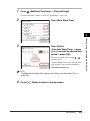
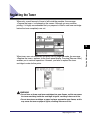
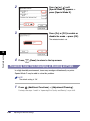
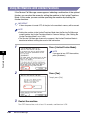
Press
(Log In/Out) on the
control panel.
NOTE
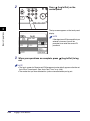
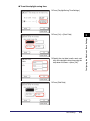
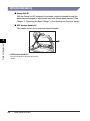
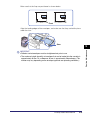
If the user ID/password that you
entered is incorrect, you will be
prompted to re-enter the correct ID/
password.
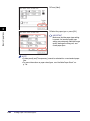
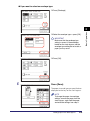
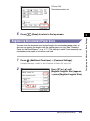
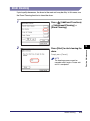
3
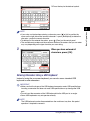
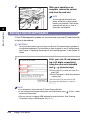
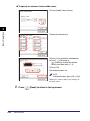
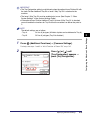
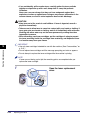
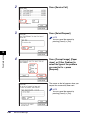
When your operations are complete, press
out.
(Log In/Out) to log
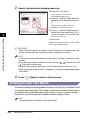
NOTE
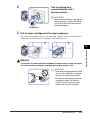
• The log-in screen for User ID Management automatically appears after the set Auto
Clear Time elapses. (See “Auto Clear Time,” on p. 3-38.)
• The modes that you have selected for a job are canceled when you log out.
Logging in to the Machine
2-13
Basic Operations
2
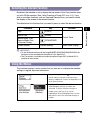
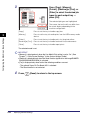
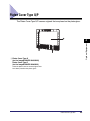
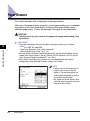
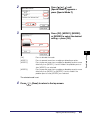
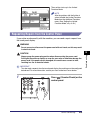
The top screen appears on the touch panel
display.