1
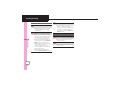
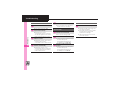
Additional Functions
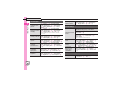
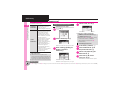
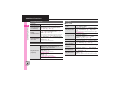
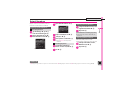
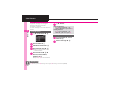
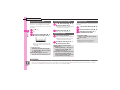
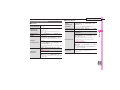
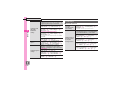
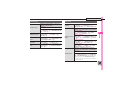
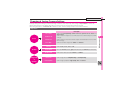
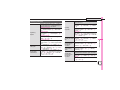
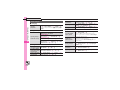
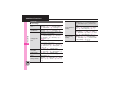
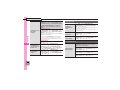
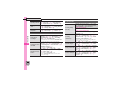
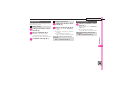
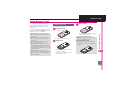
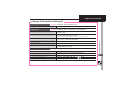
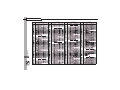
[ Saving/Editing Schedules
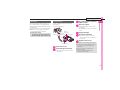
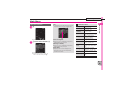
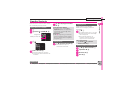
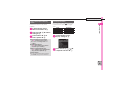
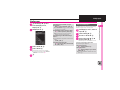
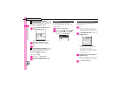
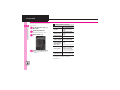
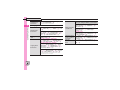
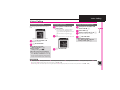
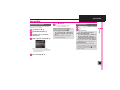
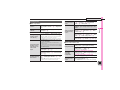
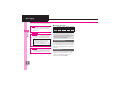
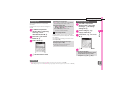
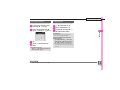
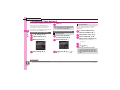
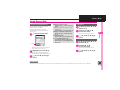
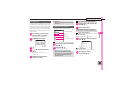
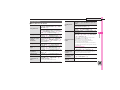
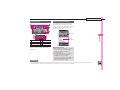
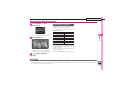
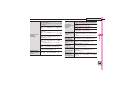
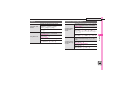
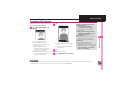
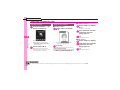
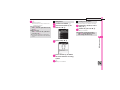
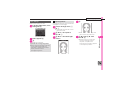
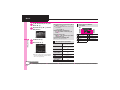
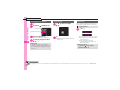
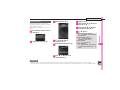
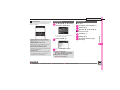
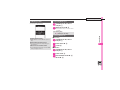
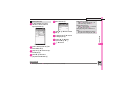
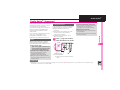
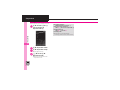
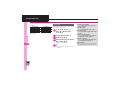
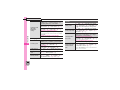
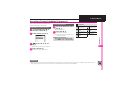
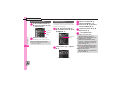
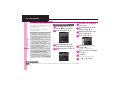
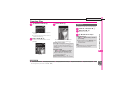
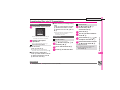
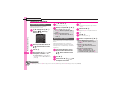
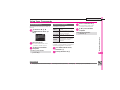
Setting Location
% S Tools S % S In PIM/Life menu,
Calendar S % S Select date S % S Select
entry S % S % S Location: S % S Enter
location S % S A
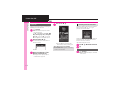
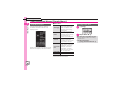
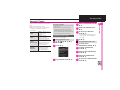
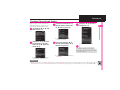
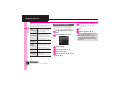
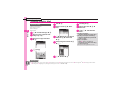
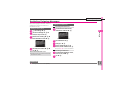
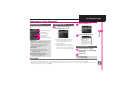
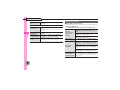
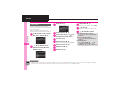
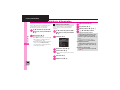
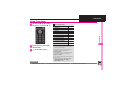
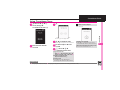
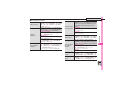
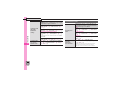
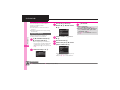
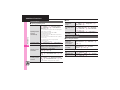
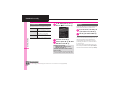
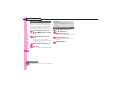
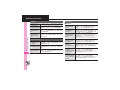
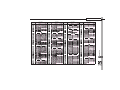
7% S Tools S % S In PIM/Life menu,
Calendar S % S B S Calendar Settings S
% S Set Category S % S See below
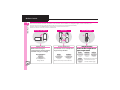
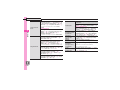
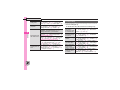
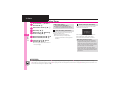
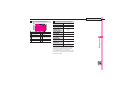
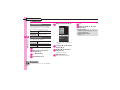
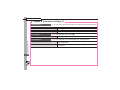
Saving S! Friend's
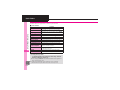
Status information
Availability
Answer Status: S % S Edit S A S A S A
. Set Category first.
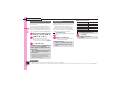
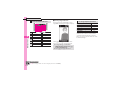
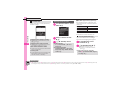
Renaming Categories
Select Category S % S Edit Category Name
S % S Enter name S %
Comment
Comment: S % S Enter text S % S A S A
Changing Icons
Select Category S % S Change Icon S %
S Select Pictogram S %
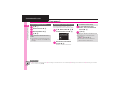
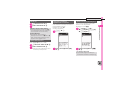
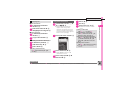
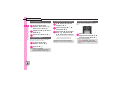
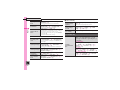
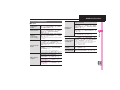
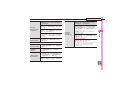
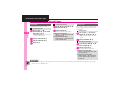
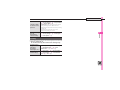
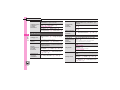
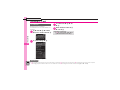
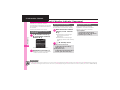
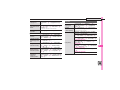
% S Tools S % S In PIM/Life menu,
Calendar S % S Select date S % S Select
entry S % S % S Select item S % S Edit in
the same manner as saving schedules S A
. Set Category first.
Editing entries
Resetting
B S Reset Settings S % S Enter Handset
Code S % S Yes S %
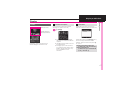
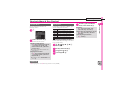
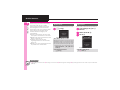
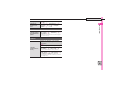
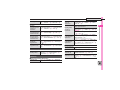
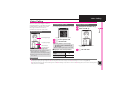
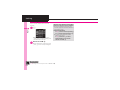
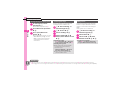
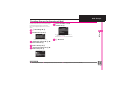
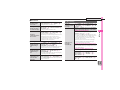
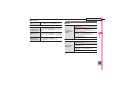
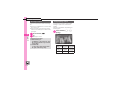
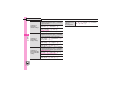
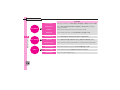
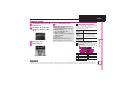
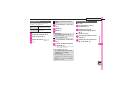
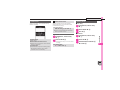
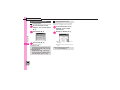
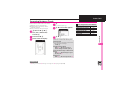
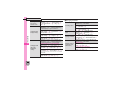
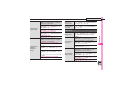
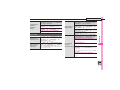
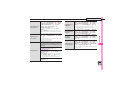
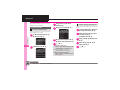
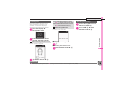
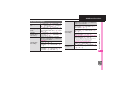
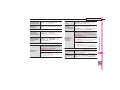
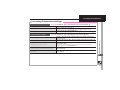
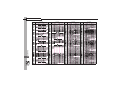
Saving repetitive
schedules
Calendar S % S Select date S % S Select
entry S % S % S S! Friend'sStatus: S % S
Link Setting: S % S Linked S % S See
below
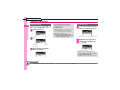
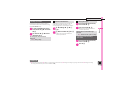
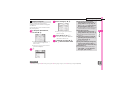
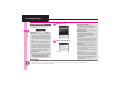
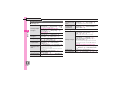
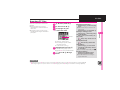
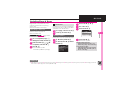
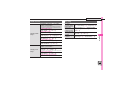
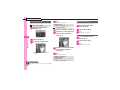
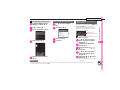
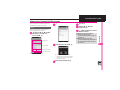
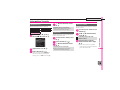
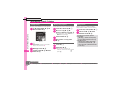
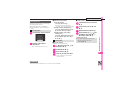
% S Tools S % S In PIM/Life menu, Calendar
S % S Select date S % S Select entry S %
S % S Repeat: S % S Select frequency S
% S Enter repeat time S % S A
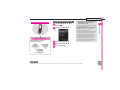
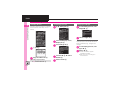
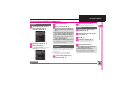
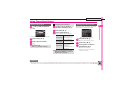
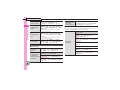
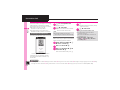
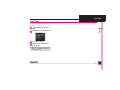
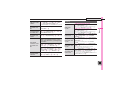
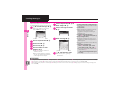
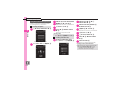
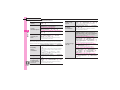
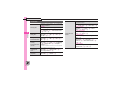
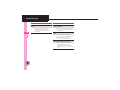
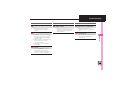
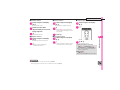
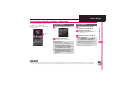
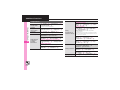
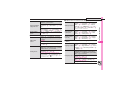
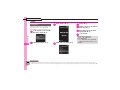
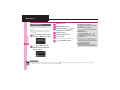
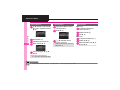
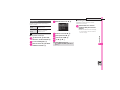
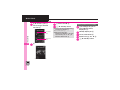
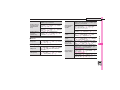
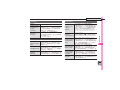
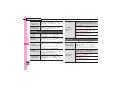
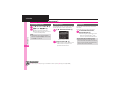
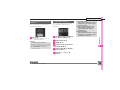
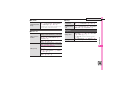
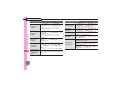
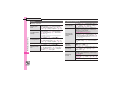
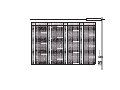
7% S Tools S % S In PIM/Life menu,
Calendar S % S Select date S % S Select
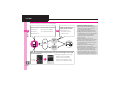
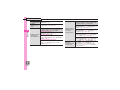
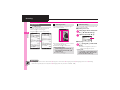
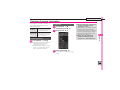
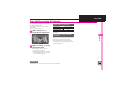
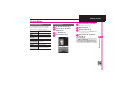
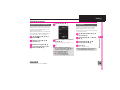
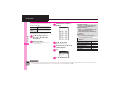
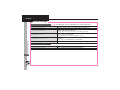
entry S % S % S Alarm: S % S See below
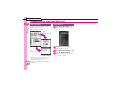
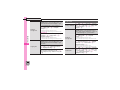
Changing Alarm
tone/video &
duration
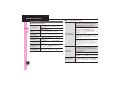
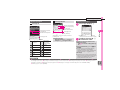
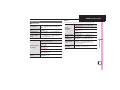
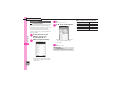
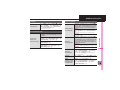
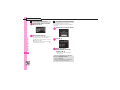
Alarm Tone/Video
Assign Tone/Video: S % S Select folder S
% S Select tone/file S % S A S A
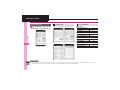
Handy Extras
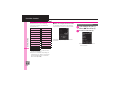
Creating
Categories
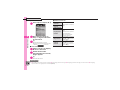
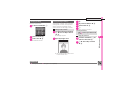
7% S Tools S % S In PIM/Life menu,
11
. Select start point if required.
. Repeat time is not available for Every Year.
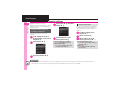
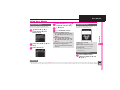
Duration
Duration: S % S Select time S % S A S A
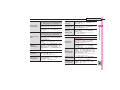
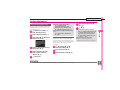
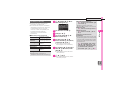
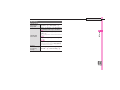
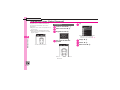
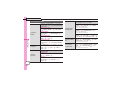
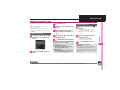
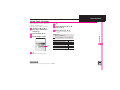
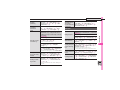
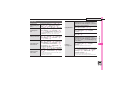
Changing Alarm
volume
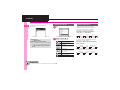
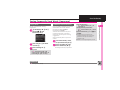
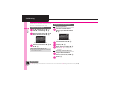
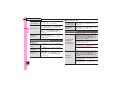
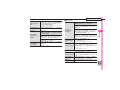
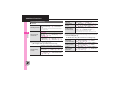
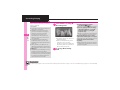
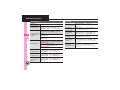
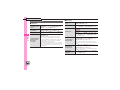
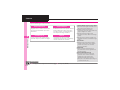
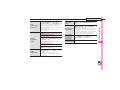
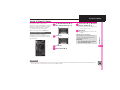
% S Tools S % S In PIM/Life menu,
Calendar S % S B S Alarm Settings S %
S Alarm Volume: S % S Adjust level S %
Selecting Vibration
option
% S Tools S % S In PIM/Life menu,
Calendar S % S B S Alarm Settings S %
S Vibration: S % S Select option S %
11-43