1
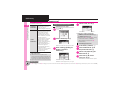
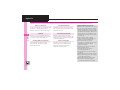
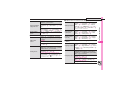
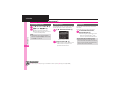
Troubleshooting
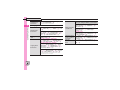
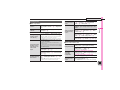
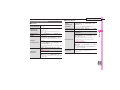
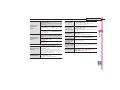
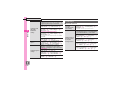
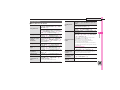
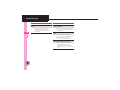
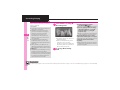
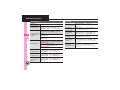
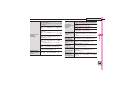
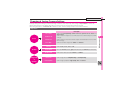
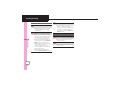
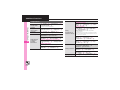
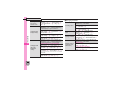
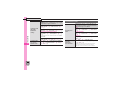
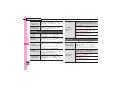
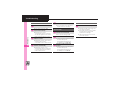
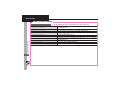
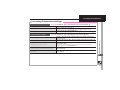
Receiving a Call
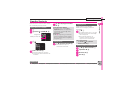
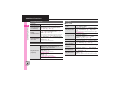
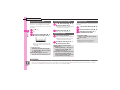
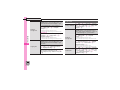
3 Record Caller Voice
Cannot use Answer Phone or
4
Calling
. Answer Phone and Record Caller
Voice are disabled when less than
12 seconds of recording capacity
remain or 20 messages are
recorded. Delete messages.
. Answer Phone and Record Caller
Voice are not available for Video
Calls.
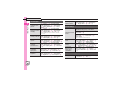
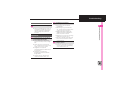
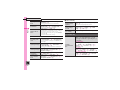
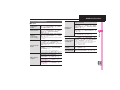
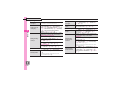
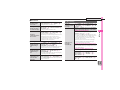
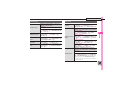
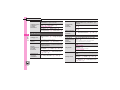
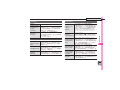
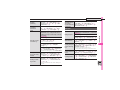
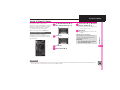
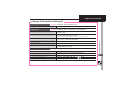
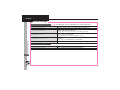
Placing a Call
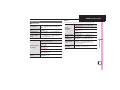
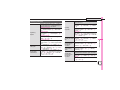
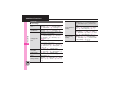
3 Cannot place call via Speed Dial
. Speed Dial is not available when
Phone Book access is restricted by
Application Lock.
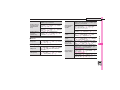
3 Cannot place call
. Cancel Keypad Lock, Function
Lock and Offline Mode, if active.
4-22
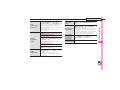
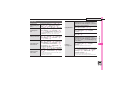
3 Call won't connect
. Did you include the area code or
the first 0? Dial the number
including the area code or 0.
. Handset may be out-of-range (out
appears). Move to a place where
signal is strong and retry.
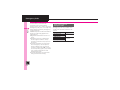
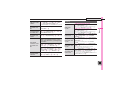
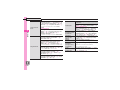
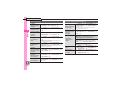
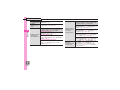
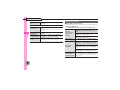
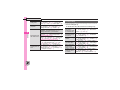
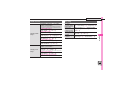
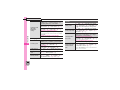
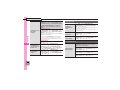
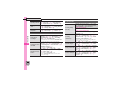
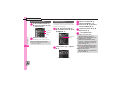
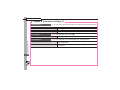
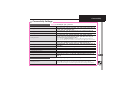
During a Call
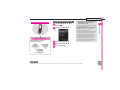
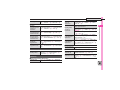
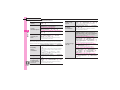
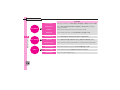
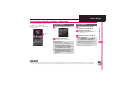
3 during Video Calls
Outgoing Image is distorted
. Rapid motion can make images
appear choppy or distorted.
3 Call is choppy or cut off
. Network signal may be weak.
Move to a place where signal is
strong and retry.
. Battery may need to be charged
or replaced. Charge battery or
install a charged battery.
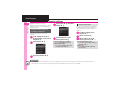
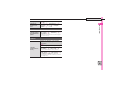
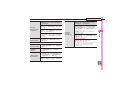
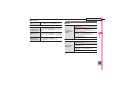
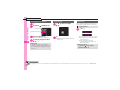
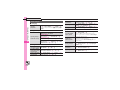
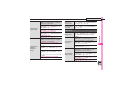
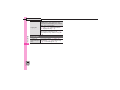
3 Clicking noise is heard during call
. Handset may be moving into
another service area. Noise is
heard when Network signal
switches. This is normal.
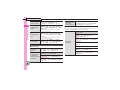
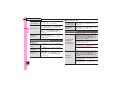
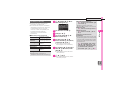
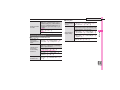
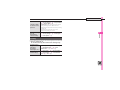
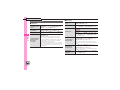
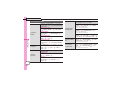
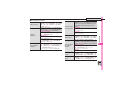
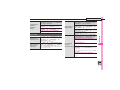
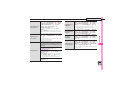
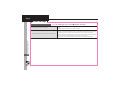
Cannot hear other party's voice
Camera image switches to
3 Alternative Image during Video Calls 3 . Earpiece Volume may be low.
. Prolonged camera use may cause
camera area to heat up, resulting
in automatic shutdown; wait a
while and retry.
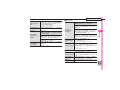
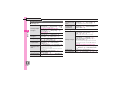
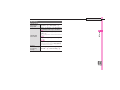
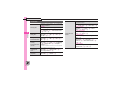
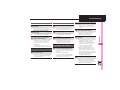
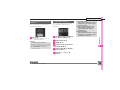
3 Conversation is hampered
. Conversations may be hampered
by ambient noise.
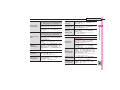
. Check Earpiece Volume when
using Loudspeaker. Increasing
Earpiece Volume may cause
feedback/interference.
Increase Earpiece Volume (P.4-3).
. Sound output may be set to use
handsfree device. Set Transfer
Audio (P.4-15) to To Phone.