1
Section 2: Getting Started
20
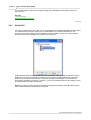
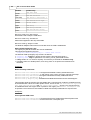
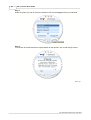
Step 3:
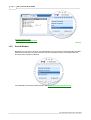
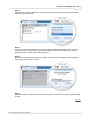
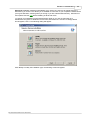
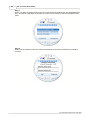
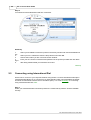
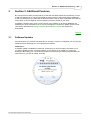
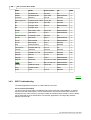
To display the full details of a result, either double-click the entry or select the entry and click the
double forward arrow button:
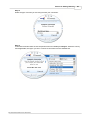
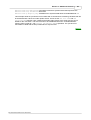
Step 4:
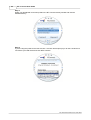
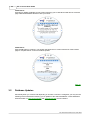
You can display the full details of other matches by using the previous arrow and next arrow
buttons, or return to the main search window by clicking the double back arrow. In addition, you
can right-click the full details and select copy, allowing you to paste the details into other Windows
programs for printing/emailing.
Summary
1.
2.
3.
4.
Open the site search support window.
Select either Site Name, City or Country and enter the match text of the search.
You can display the full details of a search result by clicking the double arrow button.
View other results using the previous and next arrows, or the back button to return.
Back up
2.3
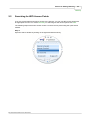
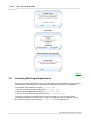
Connecting using WiFi
Before using a wireless connection for access you need to be within range of an access point, this
is indicated by the WiFi profile being enabled in the main window. If it is disabled this is either
because you are not in range of an access point, or your WiFi device is not present or not
functioning correctly. For help in locating WiFi access points go to
Searching for WiFi Access Points. For a brief summary on connecting using WiFi click here.
BT Telecommunications PLC 2003-2005